Many buyers struggle with the same set of questions. Which printing technology fits the application? Which material actually meets the performance requirement? What does this really cost once materials, software, and labor are added in? And should you buy equipment, outsource to a service bureau, or run a hybrid model?
This guide covers what a complete solution includes, where 3D printing fits into real business workflows, how to compare technologies and materials, and how to calculate total cost of ownership before you commit to a system.
Key Takeaways
- Treat a full stack—hardware, materials, software, scanning, post-processing, training, and support—as the real solution
- Choose systems by part purpose, material needs, volume, accuracy, and workflow fit
- Apply 3D printing to prototyping, tooling, replacements, customization, and select end-use runs
- Compare total cost of ownership and implementation support, not printer price alone
What Does a Complete 3D Printing Solution Include?
A 3D printer by itself doesn't produce a reliable, repeatable part. It takes an integrated workflow: hardware, qualified materials, preparation software, trained operators, and defined post-processing steps. ISO/ASTM 52900 defines additive manufacturing as building geometry through successive addition of material. The standard that governs actual production quality, ISO/ASTM 52920, specifies the operating factors and sequences a production site needs for consistent results.
Hardware Tiers
Systems generally fall into four categories:
- Desktop: low-cost entry systems for early prototyping
- Benchtop: compact professional units like the Figure 4 Standalone (124.8 × 70.2 × 196 mm build volume)
- Professional: mid-range systems built for daily production runs
- Industrial: large-format systems like the SLA 750 for high-volume, high-throughput manufacturing
Materials, Software, and Post-Processing
Material selection should follow the function of the part, not the other way around. Strength, flexibility, heat resistance, castability, biocompatibility, and appearance each point to different formulations.
On the software side, CAD modeling, slicing, build orientation, and support generation decide whether a print succeeds on the first attempt. 3D Sprint, for example, handles CAD import, mesh repair, support placement, and print-time estimation across the 3D Systems plastic printer range.
Post-processing is where many buyers underestimate cost and time. Depending on the technology, this can include:
- Washing and solvent cleanup
- UV or thermal post-curing
- Support or powder removal
- Surface finishing and polishing
- Inspection and repeatability documentation
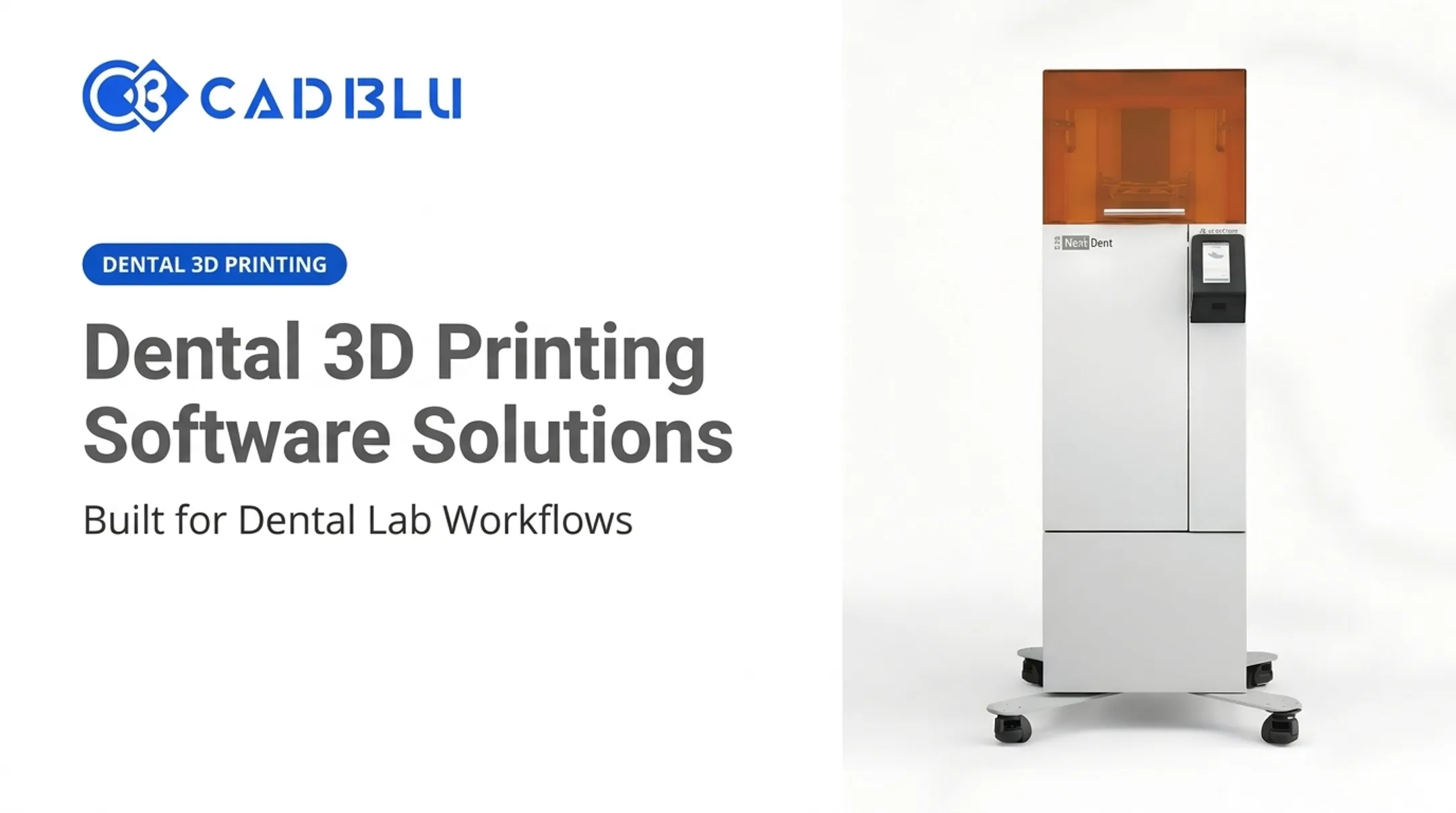
A typical workflow example: A dental lab scans a patient's arch, imports the mesh into design software, sends the prepared file to a NextDent printer, washes and post-cures the appliance in a validated unit, inspects it against fit requirements, then delivers it for chairside use.

Skip one step (for example, substituting an unvalidated post-cure unit) and the finished part loses its biocompatibility claim entirely.
Support infrastructure ties it together: installation, operator training, preventive maintenance, and integration with the process already running on the floor. Providers like CAD BLU bundle those pieces into turnkey or partial workflows so labs and shops can adopt production printing without assembling every component alone.
Which Business Applications Can 3D Printing Support?
Rapid Prototyping and Product Development
Rapid prototyping is still the most common entry point. Teams print physical iterations to test form and fit, gather feedback, and catch design flaws before committing to tooling.
MultiJet Printing, for instance, produces smooth, high-resolution hard plastic parts with complex geometries built for form-and-fit testing.
Tooling, Fixtures, and Manufacturing Aids
Jigs, fixtures, molds, and shop-floor tools printed on demand cut long procurement cycles. Figure 4 production resins are built for:
- Short-run jigs and fixtures
- Rapid tooling without a traditional toolmaker
- On-demand shop-floor aids when schedules slip
BMW is a well-documented industry example. The automaker builds many production work aids and assembly tools with multiple 3D-printing processes, reducing reliance on external tooling suppliers.
Functional and End-Use Parts
When the material and process are validated for the job, additive manufacturing supports low-volume production, replacement parts, and aftermarket components.
In one aerospace case, an EOS M 400 system produced a cable-routing mount for the A350 XWB vertical stabilizer. The design consolidated 30 components into one and cut production time from 70 days to 19 hours. That result is a documented ceiling, not an industry average, and it only holds when the full workflow is validated.

Industry-Specific Use Cases
CAD BLU's customer base spans several verticals, each with a distinct print-to-part path:
| Industry | Typical Application |
|---|---|
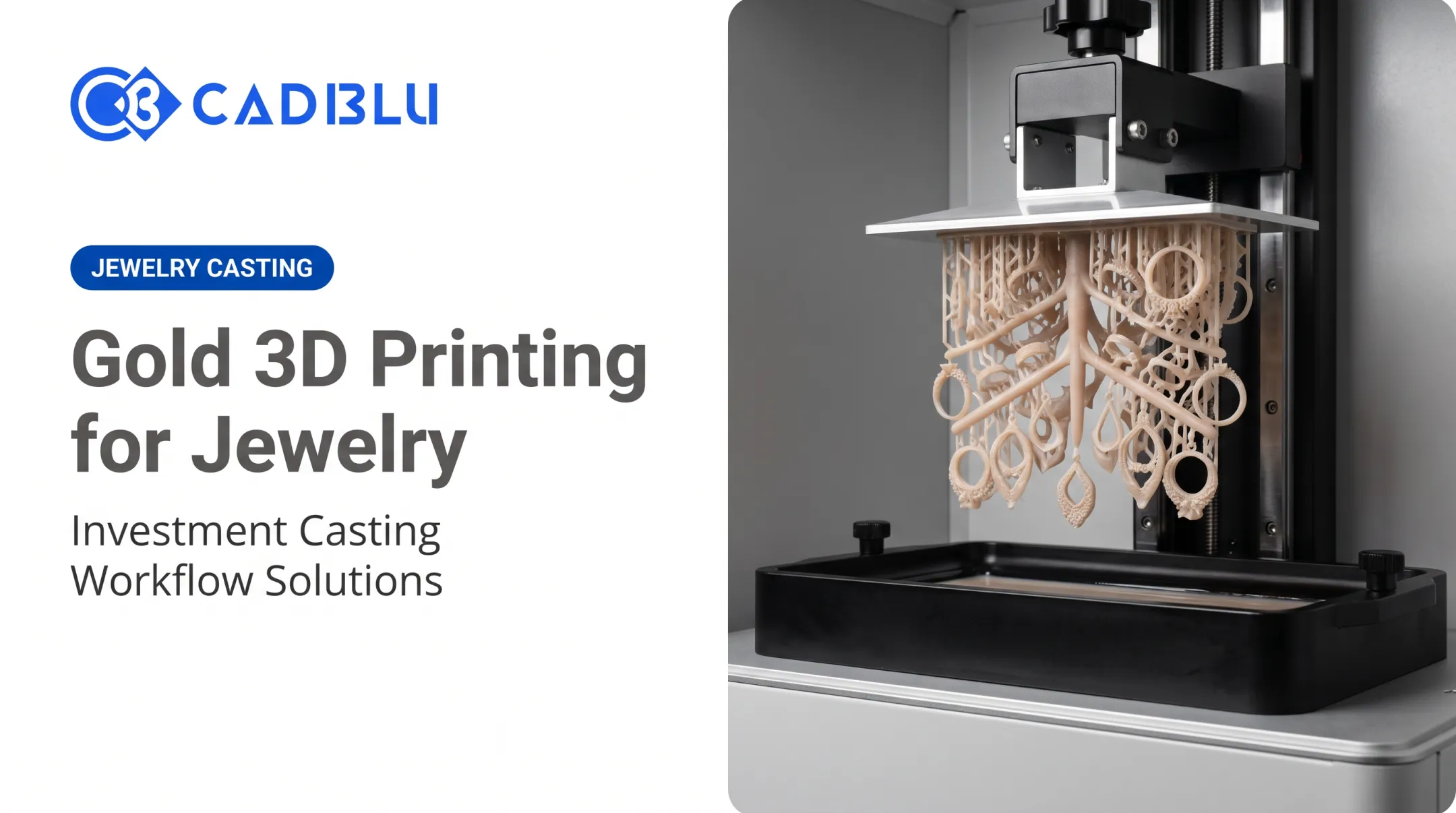
| Jewelry & investment casting | Castable wax patterns, ring-size runs, filigree, prong detail |
| Dental | Surgical guides, models, denture bases, orthodontic appliances |
| Medical | Patient-specific devices, validated within regulatory frameworks |
| Aerospace & automotive | Lightweight components, tooling, functional prototypes |
| Industrial & education | Jigs, fixtures, classroom prototyping and production training |
Customization and Supply Chain Resilience
Scanning plus CAD lets manufacturers build around individual dimensions instead of standard sizing. Dental appliances and custom jewelry are the clearest examples.
The same on-demand workflow strengthens supply chain resilience:
- Obsolete or low-volume replacement parts at the point of use
- Less waiting on stocked inventory or outsourced orders
- Faster response when a line goes down or a SKU is discontinued
3D Printing Technologies and Materials to Consider
No single technology wins every application. Each comes with trade-offs in detail, speed, strength, and cost.
- Material extrusion (FDM): Heats and extrudes thermoplastic filament layer by layer. Strong for functional prototypes and larger parts; less detail than resin processes.
- Vat photopolymerization (SLA/DLP): Cures liquid resin with light for high accuracy and superior surface finish. SLA 750 systems handle functional prototypes, production parts, and wind-tunnel models.
- MultiJet Printing (wax): Builds a CAD file in hundreds of precise layers to produce 100% wax patterns with dissolvable supports for investment casting.
- Polymer powder-bed fusion: Fuses polymer powder for accurate, high-throughput production of end-use parts.
- Metal additive manufacturing: Delivers load-bearing mechanical performance for aerospace and industrial parts where strength is non-negotiable.
Matching Materials to the Job
CAD BLU's material catalog (NextDent, VisiJet, Figure 4, and Accura) spans ten property groups, from rigid and tough to flexible, elastomeric, high-temperature, castable, clear, and biocompatible grades.
Pricing ranges widely. NextDent Model 2.0 starts around $162, while a 10 kg container of Accura SLA PRO runs closer to $2,870.
Wax and castable materials deserve a specific callout. 100% wax grades burn out with zero ash on existing foundry schedules, while castable photopolymer resins need their own burnout ramp. Mixing the two mid-production can ruin a casting run.
Important caution: Confirm material suitability, regulatory status, and final-part performance for the intended use, especially in healthcare, dental, aerospace, automotive, and other safety-critical work.
A dental biocompatibility claim holds only with an approved printer and the manufacturer-specified post-cure cycle. Skip a step, and that claim is void.

How to Choose the Right 3D Printing Solution
Start With the Part, Not the Printer
Before comparing machines, define the objective: prototyping, tooling, customization, replacement parts, or production. A dental model, a jewelry casting pattern, and a functional aerospace bracket point to very different machines — this one choice eliminates most options on the table.
Evaluate the Specs That Actually Matter
Score candidate systems against the requirements your parts actually impose:
- Required tolerance and surface finish
- Part size and build volume
- Strength, flexibility, or heat/chemical resistance
- Color and repeatability needs
For reference, SLA systems in the 3D Systems range typically hold accuracy of 0.025–0.05 mm per 25.4 mm of part dimension. Geometry, orientation, and post-processing still move that number in practice.
Match Capacity to Demand
Consider batch size, turnaround expectations, number of operators, and whether you'll need multiple materials or technologies running simultaneously. A benchtop Figure 4 Standalone and a large-format SLA 750 solve very different production problems.
Calculate Total Cost of Ownership
Once capacity is clear, price the full workflow, not just the machine. Printer list price is only one line item. Factor in:
- Equipment: Published 3D Systems list prices range from $10,995 (NextDent 5100) to $360,000 (SLA 750)
- Materials: Ongoing resin, wax, or filament costs, often on a reorder cycle
- Software licenses: Slicing, monitoring, and workflow tools
- Installation and training: Site prep, commissioning, and operator onboarding
- Post-processing equipment: Washing units, post-cure units, finishing tools
- Maintenance and repair: Preventive service, spare parts, and downtime cost
- Labor: Operator time per print cycle
- Failed or reworked parts: Scrap rate during ramp-up
NIST research confirms this complexity, noting that AM cost measurement is difficult because land, labor, time, and utilities are all measured in different units — there's no clean, universal formula.
Buy, Outsource, or Hybrid?
| Approach | Best Fit |
|---|---|
| In-house | Frequent runs, confidential parts, fast turnaround needs |
| Outsourced | Occasional or highly specialized work, no in-house staffing |
| Hybrid | Base capacity in-house, overflow or specialty work outsourced |
Owning equipment and outsourcing aren't mutually exclusive — many organizations run both simultaneously depending on part type and volume.
Questions to Ask Any Provider
- Is the equipment in stock, or what's the actual lead time?
- What's included in installation and site preparation?
- What training is provided for operators, and how long does it take?
- What does warranty coverage include, and for how long?
- Can I see a test print of my actual part before I commit?
- What ongoing material, maintenance, and support costs should I budget for?
A solutions partner such as CAD BLU can help you compare those answers side by side — including test prints, materials fit, and a realistic total cost picture — before you commit to a platform.
Choose the path that matches your parts, volume, and support needs first; the right printer follows from there.
How CAD BLU Can Support a 3D Printing Workflow
CAD BLU has worked in digital manufacturing since 2000, serving more than 3,000 customers across jewelry, dental, investment casting, medical, aerospace, automotive, industrial, and education sectors in the U.S. and internationally.
Rather than selling a single printer and walking away, CAD BLU builds turnkey or partial solutions depending on what a business already has in place:
- Full turnkey: printer, matched materials, post-processing equipment, and software bundled together
- Partial solutions: adding only the missing piece to an existing workflow, whether that's a printer, a material line, or post-cure equipment
Support covers the full lifecycle:
- Installation and commissioning across the U.S.
- Pre-sale consultation that matches technology and build volume to the application
- OEM-trained, certified repair technicians for onsite, remote, or spare-parts support
Founder and CEO Rich Motto brings more than 35 years in the jewelry industry and 25 years in digital manufacturing to that consultation process. That background shapes how CAD BLU pairs technology to each application.
Have a part in mind? Reach out to CAD BLU to talk through your material requirements, expected volume, and current workflow before locking in a solution.
Frequently Asked Questions
How much does it cost to have someone 3D print something?
Pricing depends on material, part size, print time, complexity, post-processing, quantity, and finishing requirements. Request a quote with your 3D file and clear specifications for an accurate number.
What is included in a complete 3D printing solution?
A complete solution covers the printer, qualified materials, preparation software, and design or scanning inputs. It also includes post-processing, quality checks, operator training, and ongoing technical support.
Which 3D printing technology is best for business use?
It depends on your application, required material, accuracy, surface finish, part size, and production volume. The best technology is the one matched to your specific part requirements.
Is it better to buy a 3D printer or outsource 3D printing?
It depends on frequency, part confidentiality, turnaround needs, and staffing. Many organizations run a hybrid model, owning equipment for routine work and outsourcing specialized or overflow jobs.
Can 3D printing be used for functional or end-use parts?
Yes, when the technology, material, design, and process controls match the part's performance requirements. Validation is essential, particularly for regulated or safety-critical applications.
What should I provide when requesting a 3D printing quote?
Include your CAD or scan file, dimensions, quantity, material or performance requirements, finish, tolerances, intended use, deadline, and any compliance documentation needed.