Introduction
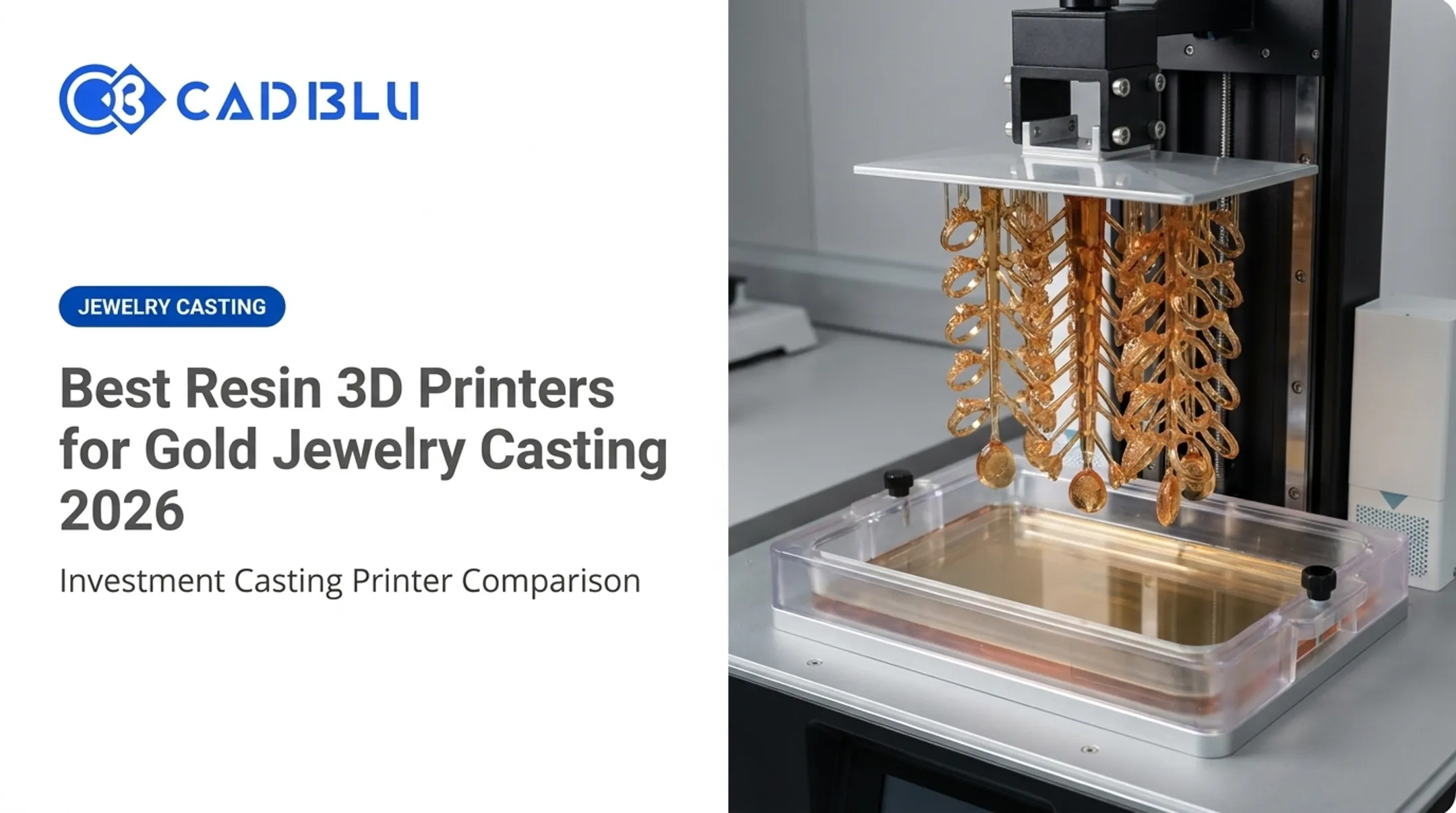
Resin printing still owns the fine-detail category in 2026. If you're printing jewelry casting patterns, dental models, or printing 32mm miniatures with crisp facial detail, nothing at this price point beats a well-tuned LCD/MSLA machine.
Many buyers make the same mistake: they chase the highest advertised K rating and end up disappointed. A 16K screen with poor light uniformity can print worse than a well-calibrated 9K unit. The right printer depends on your build volume needs, resin budget, and how much post-processing you're willing to do.
This guide ranks five current models across entry-level, prosumer, and professional categories. We'll cover real specifications, honest trade-offs, the evaluation criteria that actually matter, and the safety workflow every resin printer owner needs — ventilation, gloves, washing, and curing included.
Key Takeaways
- Elegoo Saturn 4 Ultra 16K leads overall on build volume, speed, and reliability
- Under $300, Elegoo Mars 5 Ultra is the strongest plug-and-play entry-level buy
- Anycubic Photon Mono M7 Pro fits automated batch work with auto-refill and failure detection
- Formlabs Form 4 anchors professional workflows with its material ecosystem and service support
- Prioritize XY pixel size and mechanical reliability over box K-ratings—and budget for ventilation, nitrile gloves, wash-and-cure gear, and compliant waste disposal
Overview of Resin 3D Printers in the US Market
Resin 3D printing (also called vat photopolymerization) cures liquid photopolymer resin layer by layer using UV light.
Most consumer and prosumer machines today use LCD/MSLA technology: an LCD panel acts as a mask, blocking light selectively so an entire layer cures at once. Professional systems, like Formlabs' Form 4, use a variation called Low Force Display (LFD) that combines masking with a flexible release film for gentler part separation.
Why it matters for US buyers:
- Jewelry and investment casting — castable resins burn out cleanly with minimal ash for lost-wax casting
- Dental labs — surgical guides, models, and biocompatible appliances need tight tolerances
- Miniatures and tabletop gaming — resin's layer resolution captures facial detail FDM can't touch
- Prototyping and small-batch manufacturing — smooth surface finish reduces finishing labor
Resin isn't always the right call, though. Formlabs' own comparison of FDM, SLA, and SLS notes that resin parts deliver smoother surfaces and tighter tolerances.
FDM remains more practical for larger functional parts, lower material cost, and simpler handling. If you're printing enclosures or brackets, FDM is often the better budget option.
The models below span entry-level LCD printers under $300 to professional systems exceeding $5,000 for a complete package. We've verified current US pricing and availability as of publication, but resin printer pricing shifts often, so confirm current figures before buying.

Top Resin 3D Printers in 2026
We ranked these five printers on print detail, mechanical reliability, build volume, workflow automation, resin and slicer compatibility, and total ownership cost — not just spec-sheet resolution.
Elegoo Mars 5 Ultra — Best Entry-Level Buy
The Mars 5 Ultra is Elegoo's current beginner-focused model, and it earns the spot with simple setup and reliable first prints rather than maximum plate size.
| Spec | Detail |
|---|---|
| Technology | 7-inch 9K monochrome LCD (MSLA) |
| XY pixel size | 18 µm |
| Build volume | 153 x 78 x 165 mm |
| Leveling | One-click automatic leveling |
| Release mechanism | Tilt Release Technology, dual pour spouts |
| Connectivity | Wi-Fi and USB |
| US price | Around $269 |
A 2025 hands-on review from 3DWithUs reported sharp miniature detail and a successful first-try print with no leveling-related adhesion failures during testing. The one recurring complaint: cleaning resin residue around the build platform stand-offs is fiddly.
Best for: beginners and small studios printing miniatures or jewelry patterns who want a no-fuss first machine. Trade-off: the small build plate limits batch size, and you'll still need a separate wash-and-cure station.
Elegoo Saturn 4 Ultra 16K — Best Overall
This is the printer we'd recommend to most readers who've outgrown a starter unit but aren't ready for a $5,000 professional system.
| Spec | Detail |
|---|---|
| Screen | 10-inch 16K monochrome LCD |
| XY pixel size | 14 x 19 µm |
| Build volume | 212 x 118 x 220 mm |
| Temperature control | Auto tank heating to 30°C |
| Monitoring | AI camera with failure alerts, time-lapse |
| Connectivity | Dual-band Wi-Fi, OTA updates |
| US price | $649.99 list (watch for sale pricing) |
The larger vat means you can batch a dozen jewelry patterns or a full squad of miniatures in one run — a real efficiency gain over the Mars 5 Ultra's smaller plate. Automatic tank heating also keeps viscosity consistent through colder shop conditions, which matters if your studio doesn't run climate control overnight.
Best for: designers and small businesses producing detailed miniatures, jewelry prototypes, or batch runs who need more plate space without jumping to professional equipment. Trade-off: if you only print occasional small parts, the Mars 5 Ultra covers the same detail level for less money.
Anycubic Photon Mono 4 — Budget Alternative
The Mono 4 competes directly with the Mars 5 Ultra on price and specs, and the choice often comes down to ecosystem preference.
| Spec | Detail |
|---|---|
| Screen | 7-inch 10K monochrome LCD |
| XY pixel size | 17 x 17 µm |
| Build volume | 153 x 87 x 165 mm (2.2L) |
| Leveling | Four-point manual leveling |
| Light source | LighTurbo parallel-matrix array |
| US price | $240–$252 |
Manual leveling is a step backward from the Mars 5 Ultra's automatic system, and there's no Wi-Fi — file transfer is USB-only. What you get in return: a mature replacement-parts catalog (screen, vat, build plate, UV module) and Anycubic's established wiki documentation.
Best for: buyers already invested in Anycubic's slicer and accessory ecosystem. Trade-off: manual leveling adds a setup step every beginner-focused competitor has automated away.
Anycubic Photon Mono M7 Pro — Best for Automated Batch Work
For small businesses running frequent print jobs, the Mono M7 Pro is built around hands-off batch production.
| Spec | Detail |
|---|---|
| Screen | 10.1-inch 14K monochrome LCD |
| XY pixel size | 16.8 x 24.8 µm |
| Build volume | 223 x 126 x 230 mm (6.5L) |
| Heating | Adjustable 20–40°C |
| Resin management | Automatic filling and recycling, level detection |
| Failure detection | Stops print automatically on anomaly |
| US price | $562 |
The automatic resin refill and failure detection change overnight batch workflows for jewelry designers and small production shops. Instead of babysitting a print, the system tops off resin and halts on a detected fault. Fabbaloo's 2024 hands-on testing called the printer "incredibly fast," though the review didn't publish a measured throughput number to independently verify Anycubic's speed claims.

Best for: frequent users who print multiple batches weekly and want less manual monitoring. Trade-off: the automation adds complexity — more moving parts means more that can eventually need servicing.
Formlabs Form 4 — Best for Professional Workflows
If you're running a dental lab, jewelry manufacturing line, or engineering department, the calculus changes entirely. At this level, you're investing in a supported production system, not a standalone machine.
| Spec | Detail |
|---|---|
| Technology | MSLA with Low Force Display (LFD) |
| Build volume | 200 x 125 x 210 mm (5.25L) |
| Basic package | $2,625 |
| Complete package | $5,749 (includes wash, cure, tank, mixer) |
| Materials | 23 Formlabs resins plus Open Material Mode |
| Software | PreForm + Dashboard fleet monitoring |
| Service plan | Form 4 Pro Service Plan, $599/year, up to 5-year terms |
The price jump versus the LCD printers above buys you something those machines don't offer: a documented material ecosystem, fleet monitoring software, and a service plan with express replacement and priority support. Formlabs' Premium Teeth Resin received FDA 510(k) clearance for temporary crowns and bridges in August 2024 — a meaningful credential for dental labs, though buyers should confirm exact printer-material compatibility before ordering.
Best for: dental labs, jewelry manufacturers, and engineering teams that need repeatability, documentation, and support contracts more than they need the lowest material cost. Trade-off: if you're a lower-volume or cost-sensitive shop, an LCD printer delivers comparable detail for a fraction of the investment.
How We Chose the Best Resin 3D Printers
We combined current manufacturer specifications with independent hands-on reviews, owner feedback, and availability checks — not marketing copy alone. Here's what we weighted most heavily.
Resolution Isn't Just the K Number
An "8K" or "16K" label only tells you the pixel count on the LCD panel. Formlabs' technical breakdown of pixel size explains that actual print quality depends on XY pixel size, light-source uniformity, anti-aliasing, and Z-axis behavior — not the marketing resolution alone. A printer with a 28 µm pixel can underperform one with a tighter 19 x 24 µm pixel, regardless of which one has the bigger K number on the box.
When comparing printers, check:
- Actual XY pixel dimensions in microns (smaller is generally sharper)
- Light source uniformity claims from independent reviews
- Z-axis rigidity, which affects layer consistency
Build Volume Should Match Your Actual Work
Don't buy more plate than you need. Small plates suit jewelry masters and dental models; medium builds handle prototypes and batch runs; large-format systems make sense for casting patterns, fixtures, or production volume. Oversized build plates cost more upfront and often need more resin per print job, even for small parts.

Reliability and the Full Ownership Picture
Plate size is only part of the decision. Beyond specs, we assessed leveling systems, resin temperature control, vat quality, and firmware maturity.
We also factored in full ownership cost:
- Resin and replacement screens or vats
- Wash-and-cure equipment, ventilation, and PPE
- Support access when something fails
Common buying mistakes to avoid:
- Choosing resolution numbers without checking pixel size
- Buying build volume you won't use, driving up resin cost per print
- Ignoring resin compliance and waste-disposal requirements
- Assuming "fastest" advertised speed matches real batch throughput
- Skipping post-processing budget — wash-and-cure stations aren't optional
Conclusion
The right resin 3D printer matches your application, print volume, materials, workspace, budget, and the support you need when something goes wrong—not the top line on a spec sheet. Before you buy, add up the full workflow cost:
- Resin, wash-and-cure equipment, ventilation, and PPE
- Replacement screens, vats, and software
- Expected downtime and service response time A $269 printer plus a $600 wash-and-cure setup and frequent screen swaps is not automatically cheaper than a supported professional system over three years. Dental labs, jewelry companies, manufacturers, schools, and professional teams often need help comparing printers, materials, installation, and ongoing support—not just specs. CAD BLU has helped organizations adopt digital manufacturing since 2000. Our OEM-trained technicians can walk you through total ownership cost before you commit. Contact CAD BLU to talk through your workflow.
Frequently Asked Questions
Which resin 3D printer is the best in 2026?
For most small studios and professional users, the Elegoo Saturn 4 Ultra 16K offers the best balance of build volume and reliability. Labs and manufacturers should look to the Formlabs Form 4 for support and material documentation. Always verify current pricing and specs before buying.
What is the best-buy resin 3D printer?
Best value comes from comparing print quality, build volume, reliability, and resin costs together, not just the sticker price. A cheaper printer with expensive proprietary resin or frequent part failures can cost more over a year than a slightly pricier, better-supported machine.
What are the best new 3D resin printers expected in 2026?
No manufacturer has confirmed a new resin printer release dated for 2026 as of this writing. Elegoo's Jupiter 2 large-format printer was announced in April 2025 and is shipping now. Treat other "2026 release" claims as unverified until the manufacturer confirms them.
What is the fastest resin 3D printer?
Advertised speeds aren't directly comparable across brands. The Saturn 4 Ultra 16K and Mars 5 Ultra list up to 150 mm/h, while the M7 Pro claims 170 mm/h with high-speed resin. Real throughput depends on exposure settings, resin choice, and part orientation, not just the advertised maximum.
What is the most reliable resin 3D printer?
Reliability depends on mechanical design, temperature control, and software maturity. Independent testing shows the Form 4 and Saturn 4 Ultra performing consistently well in those areas. No controlled cross-brand reliability test exists yet, so weigh reviews alongside warranty and service terms.
Which 3D printer has the highest resolution?
Advertised K resolution alone doesn't determine print quality. Compare actual XY pixel size and light uniformity instead. A smaller micron pixel size often beats a higher-K panel with weaker optics, especially after resin calibration and support placement.