Fine-detail printing quality depends on optics, motion control, resin or filament behavior, and calibration working together. Jewelry casting houses, dental labs, medical device makers, and product design teams all lean on this technology to shrink iteration cycles and cut scrap rates.
This guide compares current fine-detail printer options across printing technology, accuracy, materials, build volume, workflow, post-processing, and ownership cost. Layer height gets mentioned, but it's never the deciding factor.
Key Takeaways
- Resin SLA, MSLA, and DLP printers excel on small, intricate parts
- PolyJet and advanced FDM fit specific functional or production needs
- Prioritize feature size, material, finish, and tolerance over one resolution number
- Factor consumables, post-processing gear, and training into total cost
- CAD BLU supplies commercial printers, materials, and technical support for US businesses
Overview of Fine-Detail 3D Printing in the US Market
Fine-detail printing means reproducing small features consistently: thin walls, embossed text, sharp prong tips, tight radii, and dimensions that hold up under a caliper or a CAD overlay. It's a workflow outcome, not a spec.
Layer height only measures vertical (Z) resolution. In-plane, or XY, resolution depends on pixel size, laser spot size, or nozzle diameter.
According to Formlabs' comparison of FDM, SLA, and SLS printing, quality also depends on optical uniformity, motion accuracy, exposure or extrusion consistency, and how the material behaves after curing or extrusion—not layer height alone.
Here's how the main technologies stack up at a glance:
| Technology | Best for | Main tradeoff |
|---|---|---|
| SLA / MSLA / DLP resin | Small parts, smooth surfaces, jewelry, dental | Requires washing, curing, support removal |
| FDM / FFF | Larger functional prototypes, engineering plastics | Layer lines more visible at fine feature sizes |
| PolyJet | Multi-material, full-color, highly finished models | Higher equipment and material cost |
| SLS | Complex geometry without supports | Grainier surface finish |
What counts as "best" shifts with the application:
- Jewelry casters need surface fidelity and clean burnout
- Dental labs need repeatable accuracy across dozens of models a day
- Engineering teams want detail balanced against strength and part size

The printer picks below reflect that split, with specifications flagged as manufacturer-stated or independently verified where possible.
Best Fine-Detail 3D Printers
Each option below was selected for repeatable detail, dimensional accuracy, material compatibility, and workflow fit, not for the smallest number on a spec sheet. Confirm current pricing and availability directly with the manufacturer or supplier before purchasing.
CAD BLU Fine-Detail 3D Printing Solutions
CAD BLU is a US-based additive manufacturing partner supplying commercial 3D printers, materials, software, installation, and OEM-certified repair support. It doesn't manufacture every printer in its catalog; it selects and supports systems from established manufacturers like 3D Systems, then helps businesses choose, install, and scale them.
That solution-led model matters for teams that need more than a box on a shelf. Printer selection, application testing, and material guidance can save months of trial and error, especially for shops moving from prototyping into production.
| Printer | Technology | Best for | Notes |
|---|---|---|---|
| ProJet MJP 2500W | MultiJet wax printing | Jewelry patterns | Prints up to 25 rings in under 3 hours |
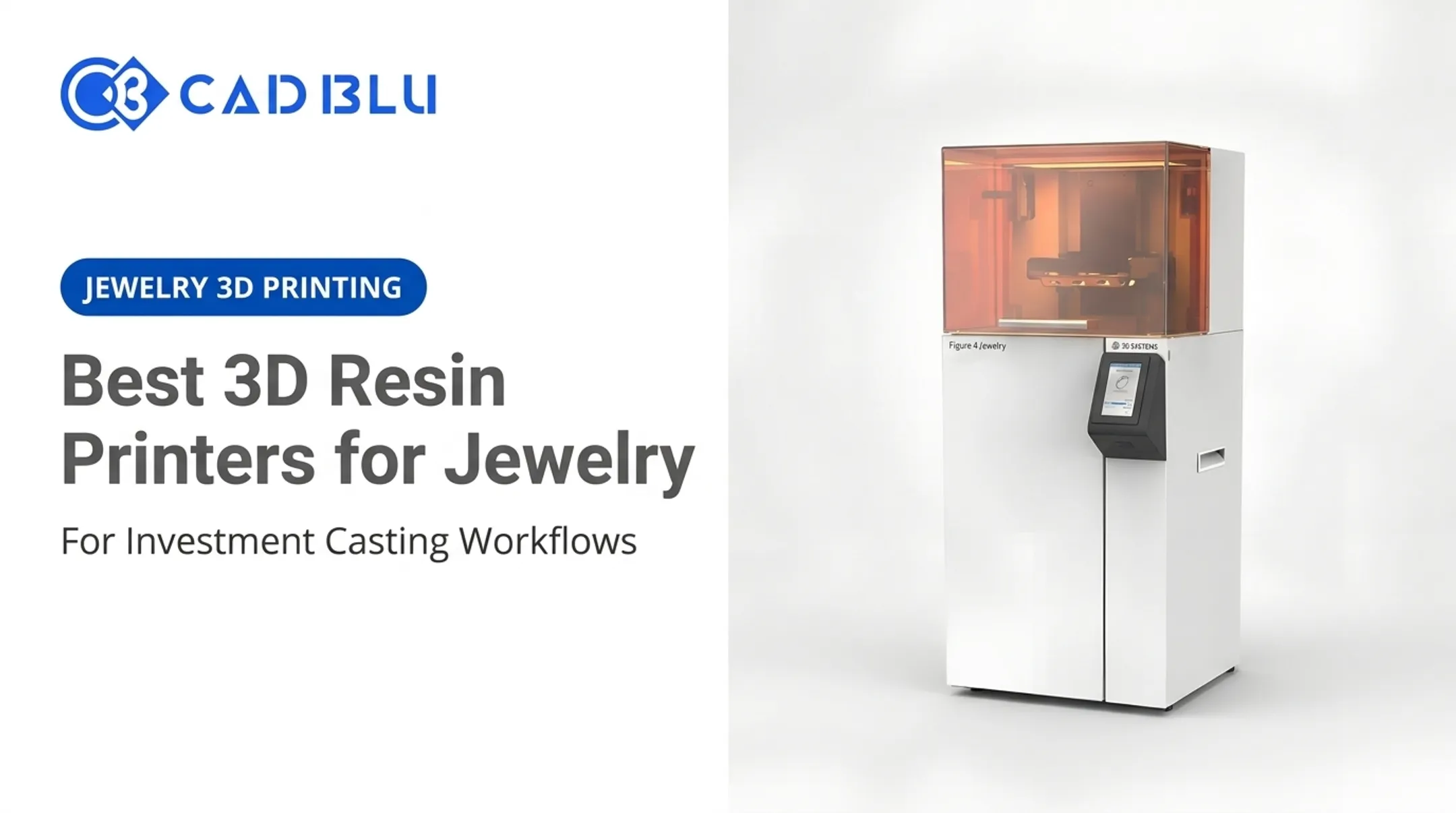
| FIGURE 4 JEWELRY | DLP | Fine prongs, thin mesh | MicroPoint supports reduce sidewall marks |
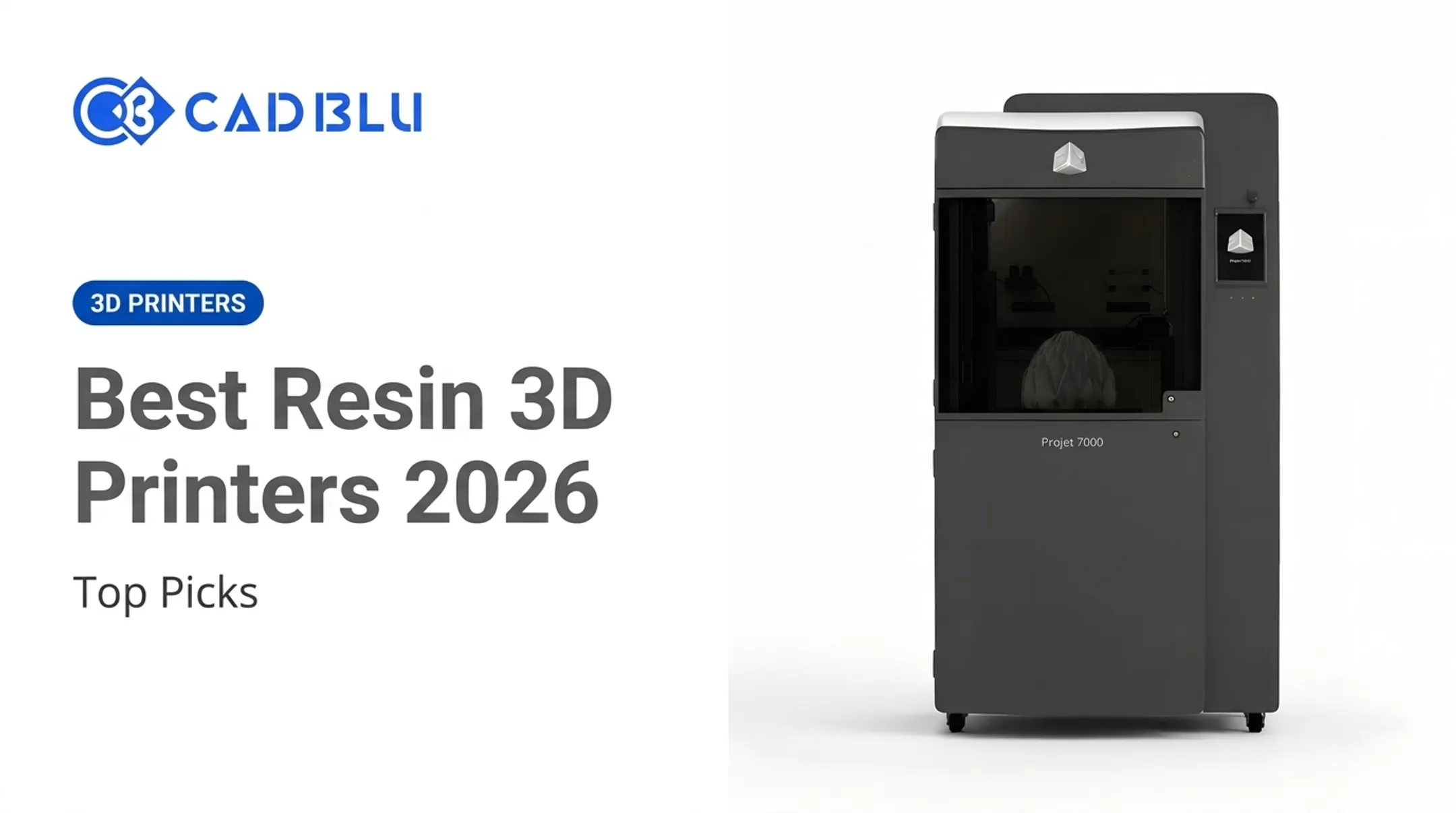
| PROJET 7000 HD | SLA | Precision prototyping | Reproducible to 0.050mm per manufacturer specs |
| NEXTDENT 5100 DENTAL | DLP | Dental models, guides | Biocompatible, CE-certified materials; listed at $10,995 |
Pricing on most CAD BLU models is quote-based; the company directs buyers toward a benchmark quote request for current figures. Manufacturer documentation supports the accuracy and speed claims above; this research did not find independent third-party testing for these specific models.
Formlabs Form 4B for High-Detail Resin Work
Formlabs' Form 4B is a current MSLA printer built for dental and medical resin work, though the same platform architecture underpins Formlabs' broader Form 4 line for general professional use. It fits jewelry, casting, product development, and small technical models well.
Manufacturer specifications list 50-micron XY/pixel resolution and layer heights from 25 to 200 microns, with a 5.25-liter build volume. That's the stated spec. Independent surface quality and repeatability depend on resin choice, orientation, and post-processing, which is worth testing before committing to a workflow.
| Spec | Detail |
|---|---|
| Technology | MSLA |
| Build volume | 20.0 x 12.5 x 21.0cm (5.25L) |
| XY/pixel resolution | 50 microns |
| Layer height range | 25-200 microns |
| Materials | 38 Formlabs materials, plus third-party via Open Material Mode |
| Starting price | $7,699 |
Formlabs reports a 99% independently tested print-success rate for its Form 4 platform. A separate 2024 Cureus dental in-vitro study measured the earlier Form 3B model at an average deviation of 37±5 microns, which is strong evidence but shouldn't be read as a Form 4B result.
Main limitations: resin handling, IPA washing, UV curing time, and material cost per liter compared to filament.
High-Resolution MSLA or DLP Printers
For miniatures, jewelry masters, casting patterns, and dental models, a handful of MSLA and DLP printers push resolution and consistency further than general-purpose resin systems.
Ackuretta SOL SE lists a 49-micron XY resolution, 30-150 micron layer thickness, and validation against 200+ dental resins. SprintRay Pro 2 lists 35-micron XY resolution with 50, 100, and 170-micron layer options and a 500mL resin capacity.
| Model | XY resolution | Layer range | Notable feature |
|---|---|---|---|
| Ackuretta SOL SE | 49 microns | 30-150 microns | Multiple build platforms, nested arches |
| SprintRay Pro 2 | 35 microns | 50/100/170 microns | Replaceable optical panel, direct peel |
Neither manufacturer's spec sheet confirms whether wash-and-cure equipment ships included; both sell it separately. These printers excel at small text, sharp edges, and repeatable results across the build plate, but they're not built for functional end-use load-bearing parts.
A practical caution: resin printing involves VOCs. A 2024 dental occupational-risk review found methacrylate and styrene exposure concerns and recommended ventilation, HEPA filtration, and PPE. Treat ventilation and handling controls as standard equipment, not an afterthought.
PolyJet or Multi-Material Professional Printers
For teams that need highly finished, multi-material, or full-color models rather than the smallest possible layer height, PolyJet is worth a look. Stratasys J850 Prime jets up to seven materials simultaneously with layer modes of 14, 27, or 55 microns, depending on speed and quality priority.
| Spec | Detail |
|---|---|
| Build volume | 490 x 390 x 200mm |
| Layer modes | 14 / 27 / 55 microns |
| Materials | Up to 7 simultaneously |
| Supports | Water-jet or soluble removal |
Jetting multiple photopolymers with dedicated support material improves overhang handling and visual realism, but it comes at a cost: equipment, materials, and maintenance run higher than resin or FDM alternatives.
Stratasys case studies report Adidas using multi-material J850-family models to catch design errors earlier, and Thermos cutting prototyping time from days to hours. These are vendor case studies, not independent benchmarks, so treat them as directional evidence.
Best fit: product design, medical modeling, education, and presentation prototyping where appearance and material variety outweigh raw resolution.
Precision FDM or FFF With Fine-Nozzle Capability
FDM generally can't match resin's smallest feature size, but a fine nozzle and careful settings get closer than most people expect. UltiMaker S7 supports 0.25, 0.4, 0.6, and 0.8mm nozzles with layer resolution from 60 to 400 microns, inside a 330 x 240 x 300mm enclosed chamber.
Fine-nozzle FDM makes sense when parts are larger, need thermoplastic durability, or when a lower-mess workflow beats resin's washing and curing steps.
| Spec | Detail |
|---|---|
| Nozzle options | 0.25 / 0.4 / 0.6 / 0.8mm |
| Layer resolution | 60-400 microns |
| Build volume | 330 x 240 x 300mm |
| Materials | 280+ officially listed |
Swapping to a smaller nozzle doesn't come free. According to All3DP's troubleshooting guide, a smaller bore produces finer paths but needs more passes, which stretches print time and raises clogging risk with fiber-filled filaments.
Practical guidance: dry your filament, slow down travel speed, increase cooling, and orient parts to minimize stair-stepping on curved surfaces. None of that is optional if you're chasing fine detail on FDM.
How We Chose the Best Fine Detail 3D Printers
We combined manufacturer documentation, independent testing where available, and workflow practicality. No single spec decided a ranking. Here's what we weighed:
- Resolution and minimum feature size — layer height, XY/pixel resolution, nozzle diameter, and optical uniformity together, not separately
- Accuracy and repeatability — dimensional test data and consistency across the build platform and between machines
- Surface finish and support strategy — layer visibility, support-mark severity, and how much finishing a part needs before use
- Materials and application fit — resin, filament, wax, castable, or biocompatible options matched to prototype versus regulated end-use parts
- Workflow and ownership — software, cleaning, consumables, ventilation, training, and service response

A 2025 peer-reviewed comparison of a Formlabs Form 3 and an UltiMaker S3 found SLA surface roughness roughly 80% lower than FDM, with tighter dimensional tolerances, according to a study published in Applied Sciences (MDPI). The same study measured FDM parts costing about 60% less per part under its specific test conditions. That's a useful data point, not a universal rule; your material costs, part geometry, and volume will shift the math.
Those same tradeoffs are easy to misread on a spec sheet. Common buying mistakes worth avoiding:
- Comparing a 14-micron PolyJet layer mode against a 50-micron resin pixel as if they measure the same thing
- Ignoring post-processing time when calculating true throughput
- Underestimating material cost per part, especially with engineering resins
- Buying a build volume too small for your actual parts, forcing splits or rework
- Assuming a high-resolution spec guarantees production-grade repeatability without testing a sample part first
Conclusion
The best fine-detail 3D printer is the one that consistently hits your required feature size, accuracy, surface finish, and material needs. Choose for workflow fit—not the longest spec sheet.
Before buying, compare full ownership costs:
- Consumables and resin or material pricing
- Wash-and-cure equipment and ventilation
- Maintenance, training, and software licensing
- Service response and downtime risk
A cheaper printer with expensive resin or frequent downtime can cost more over three years than a pricier machine with lower running costs.
If you're a US business evaluating commercial fine-detail printers for jewelry, dental, casting, medical, or industrial work, CAD BLU can help compare available printers, materials, installation, and ongoing technical support. Match the printer, materials, and support model to your application before you sign a purchase order.
Frequently Asked Questions
Which 3D printer is best for fine detail?
High-resolution SLA, MSLA, or DLP printers are the strongest fit for small, intricate parts thanks to smooth surfaces and fine XY resolution. The right choice still depends on your material, part size, accuracy needs, and how much post-processing you can handle.
Is resin or FDM better for fine-detail 3D printing?
Resin produces finer detail and smoother surfaces, with typical layers of 25-50 microns versus FDM's 50-400 micron range. FDM wins on material durability, larger parts, and simpler handling for functional prototypes.
What resolution should I look for in a fine-detail 3D printer?
Layer height is only one factor. Also check XY or pixel resolution, minimum reliable feature size, calibration consistency, and independent test results, not just the manufacturer's headline number.
Can FDM 3D printers produce detailed small parts?
Yes, with a fine nozzle, dry filament, slow settings, strong cooling, and careful orientation. Resin is still the more practical choice when features drop below roughly 0.5-0.8mm.
Are high-resolution resin 3D printers suitable for jewelry and casting patterns?
Castable and wax-like resins support jewelry and investment casting well, but confirm burnout requirements, dimensional accuracy, and manufacturer guidance before committing to a workflow. Ventilation and post-processing steps still apply.
Is buying a fine-detail 3D printer better than using a 3D printing service?
It depends on volume, required expertise, and turnaround needs. High-volume users with skilled operators generally save money in-house, while occasional users often come out ahead outsourcing to a service.