Adoption hasn't caught up to the technology yet. A 2023 ADA Clinical Evaluators Panel survey found that only 17% of responding U.S. dentists currently used a 3D printer, though 68% of those users reported improved efficiency as the top benefit.
This guide is written for dental practices, laboratories, orthodontic and prosthodontic teams, educators, and the operations staff who have to justify the purchase order. We'll walk through the technologies, real clinical applications, what printing actually costs, how to build a compliant workflow, and where the limits still are.
One thing upfront: there's no single "dental 3D printer." The right setup depends on your intended application, validated materials, post-processing capacity, and current U.S. regulatory requirements.
Key Takeaways
- Dental 3D printing covers models, surgical guides, orthodontics, dentures, and select restorative or implant parts.
- Printer selection depends on required accuracy, material compatibility, and post-processing capacity—not the lowest sticker price.
- A full workflow includes scanning, CAD, printing, curing, finishing, and documentation—not the print alone.
- Material indications, biocompatibility, and FDA status must be verified before anything touches a patient.
How 3D Printing Works in Dentistry
From Scan to Delivery
A digital dental case typically moves through these stages:
- Capture – An intraoral scanner, desktop scanner, or CBCT unit records the anatomy.
- Design – A dentist, in-house designer, or outside lab builds the CAD file for the model, guide, or appliance.
- Print preparation – Software orients the part, adds supports, and slices it into layers.
- Printing – The printer builds the object layer by layer.
- Post-processing – Washing, curing, or heat treatment, followed by finishing.
- Inspection and delivery – Dimensional checks before the part reaches the clinician or patient.

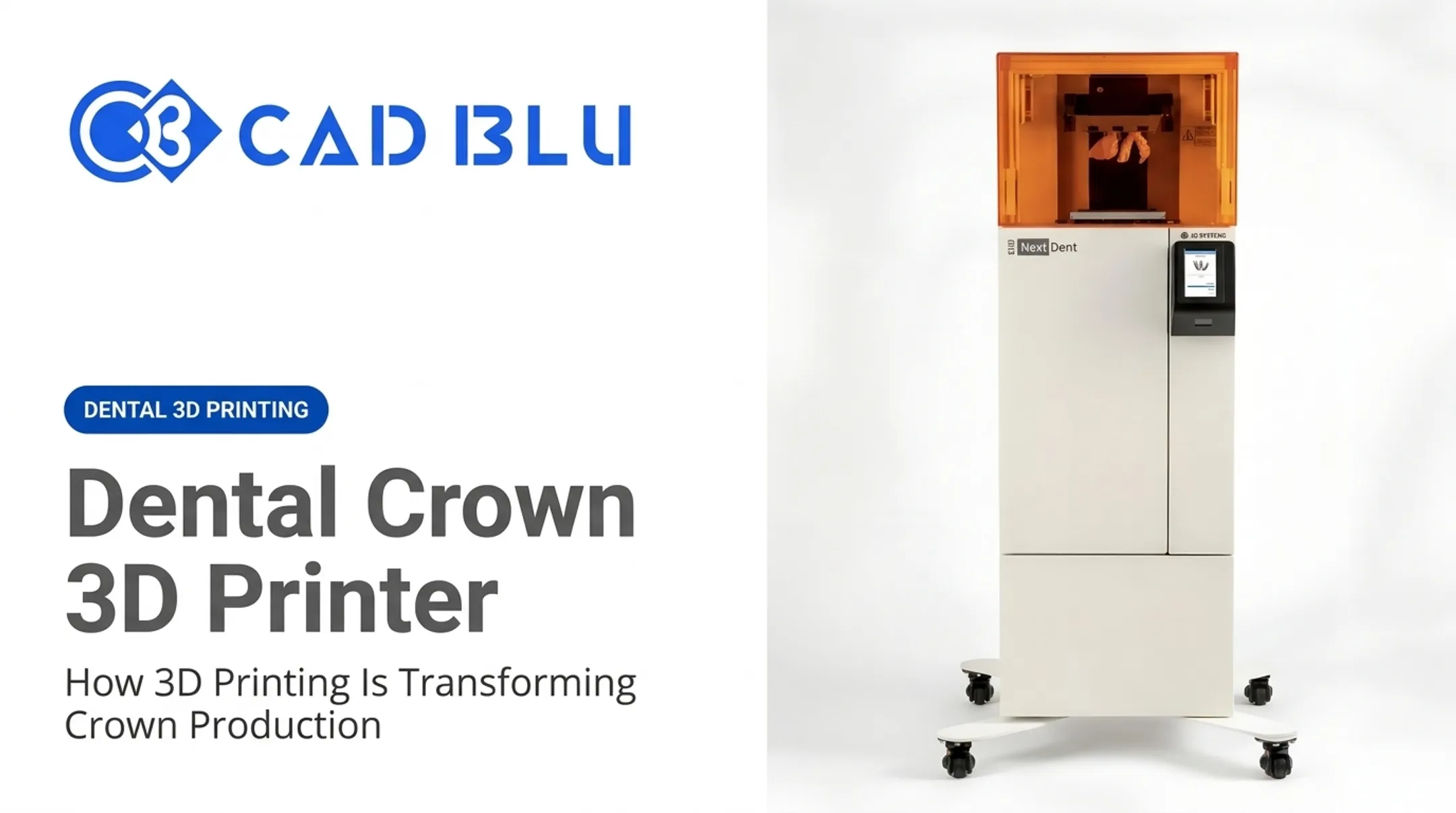
In practical terms, a documented NextDent 5100 workflow looks like this across a 12-hour production cycle:
- File preparation: 5–10 minutes
- Printing: 3–9 hours
- Hands-on labor: about 20 minutes total
Comparing the Main Technologies
| Technology | How it works | Common dental use | Reported accuracy* |
|---|---|---|---|
| SLA | Laser cures liquid resin point by point | Models, guides, splints, provisionals | 106.7 µm RMS trueness |
| DLP | A projector cures a whole resin layer at once | Crowns, dentures, guides, aligners | 81.8 µm RMS trueness |
| Material jetting | Jetted photopolymer droplets, multi-material | Dentures, models, temporary crowns | 76.9 µm RMS trueness |
| FDM/FFF | Extruded thermoplastic filament | Prototypes, planning models | 196.8 µm RMS trueness |
| SLS/SLM | Fused or melted metal/polymer powder | RPD frameworks, custom implants | Not established in cited data |
*Figures from a 2023 network meta-analysis on model accuracy.
SLS and SLM also require powder handling, fine-dust safety controls, and heat treatment, which push equipment and infrastructure costs well above resin systems. Once the process is chosen, material selection decides what that print can legally and safely become.
Material Selection Drives the Workflow
Match the resin or powder to the clinical job:
- Model resins for study and working models (not intraoral use)
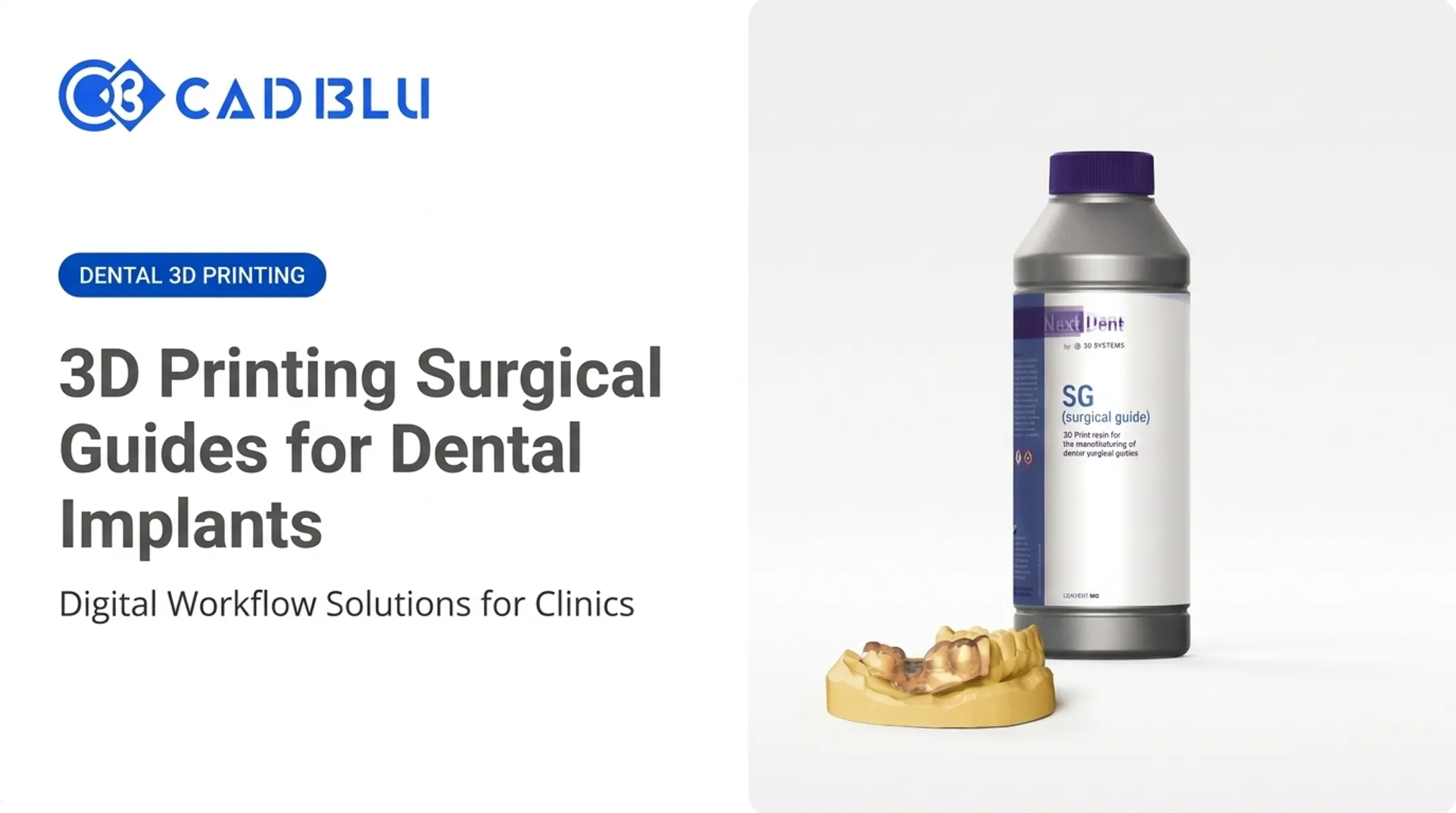
- Surgical-guide resins that are biocompatible and sterilization-tolerant
- Denture and try-in materials in shade-matched base, teeth, and try-in resins
- Castable/burnout materials for residue-free metal casting patterns
- Orthodontic materials for indirect-bonding trays and thermoforming models
Chairside, Labside, or Outsourced
- Chairside: Fastest path for models, guides, and splints; higher equipment and training cost in-practice
- Labside: Centralizes volume, staffing, and QC across many cases
- Outsourced: Lowers capital spend; adds shipping time and less turnaround control
Applications of 3D Printing in Dentistry
Diagnostic, Planning, and Education Models
Printed teeth, arches, and jaw models help explain treatment plans, support surgical rehearsal, and train dental students. These are visualization tools only—not devices meant for intraoral use.
Typical uses include:
- Patient education and treatment-plan walkthroughs
- Surgical rehearsal on anatomical replicas
- Hands-on training for dental students
Orthodontic Workflows
Printing supports study models, indirect-bonding trays, and thermoforming molds for clear aligners and retainers. The print is usually the model the aligner is thermoformed over, not the final aligner itself.
High-volume ortho labs benefit from batch capacity and accuracy:
- 46 to 80+ dental arch models per run on systems like LC Magna
- About 2 hours per full batch
- Under 100 microns of accuracy
Restorative and Prosthodontic Applications
Common printed restoratives and prosthetics include:
- Provisional crowns and bridges
- Removable-die models
- Denture bases and teeth
- Bite splints, nightguards, and try-in devices
In September 2024, the FDA cleared NextDent Jet Denture Base and Denture Teeth as Class II devices for full or partial denture bases, artificial teeth, and temporary crowns and bridges. That clearance applies only to those materials and intended uses. It does not automatically cover other resins or applications.
Implantology and Oral Surgery
Digital scans combined with CBCT data support surgical guides, bone-reduction guides, and anatomical models for implant planning.
Accuracy alone does not make a guide clinically ready. Teams still need:
- Clinician oversight
- Design verification
- Validated sterilization
Dental Lab and Manufacturing Applications
Labs use printing to cut inventory and speed custom work:
- Casting patterns and prototypes
- Mass-customized appliances
- Lower reliance on physical model storage
An integrated system like the NextDent 300 can finish a full build of 15 arches in about 9 hours. Print, post-processing, and shipping can fit inside a 24-hour turnaround.
Best Fit by Use Case
| Application | Risk level | Typical suitability |
|---|---|---|
| Study/education models | Lower | Broadly suitable |
| Surgical/thermoforming guides | Moderate | Requires validated material |
| Provisionals, try-ins, dentures | Moderate-high | Requires cleared material, finishing |
| Direct restorations, implant components | Higher | Requires clinician oversight, verified indications |
Not every printer or resin can serve every row on that table—material indication always comes first.
Benefits, Limitations, and Safety Considerations
Real Benefits, Not Automatic Ones
Digital workflows can improve customization, repeatability, and turnaround. In the ADA survey mentioned earlier, users cited improved efficiency (68%) and reduced cost (44%) as top benefits.
A manufacturer ROI model from SprintRay estimates practices printing more than 20 crowns monthly could break even in 11–12 months and save $30,000–$40,000 annually after that. That figure is useful context, though it's a vendor projection, not an independent audit.
Where Printing Still Falls Short
Results still depend on process control, and several gaps remain common in practice:
- Shrinkage, warping, and layer lines can affect fit and finish
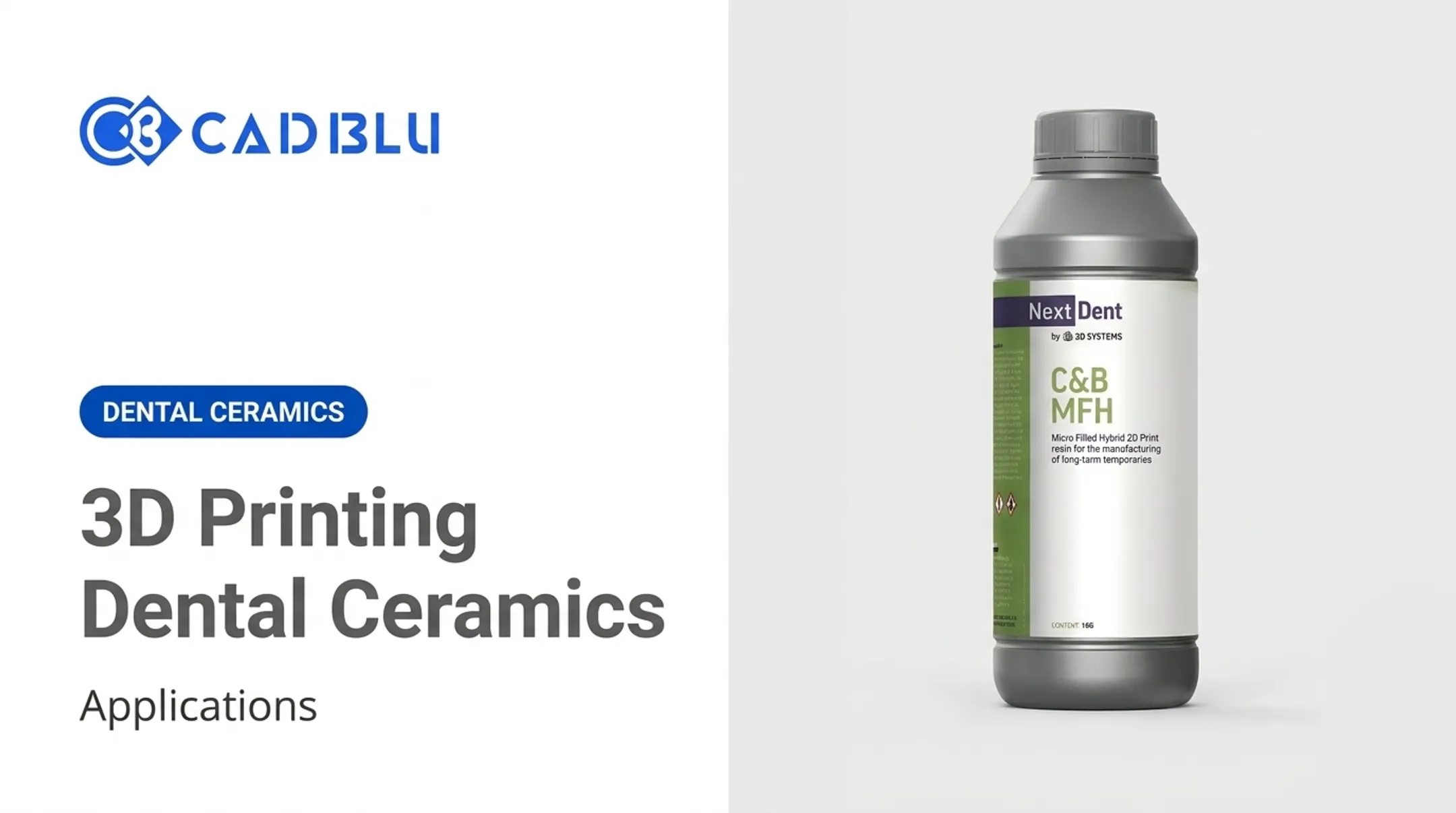
- Some ceramic-reinforced composites still show lower strength and higher wear than milled ceramics
- Build orientation, resin temperature, and exposure settings all influence dimensional accuracy
- Support removal and polishing add labor that's easy to underestimate
Safety, QA, and Cost Realities
Printed parts must follow manufacturer-validated cleaning, curing, and sterilization instructions. The CDC advises that critical items penetrating soft tissue or bone should always be heat sterilized, following each manufacturer's validated parameters rather than assuming sterilization from a precise fit alone.
Biocompatibility submissions typically rely on the ISO 10993 framework, covering contact site, duration, and sterilization compatibility.
Cost is another practical constraint. Printer prices span roughly $10,000 for entry-level dental systems up to $70,000+ for multi-material lab units, before materials, software, wash/cure equipment, training, and service contracts. Total cost of ownership, not the printer's list price, is what determines ROI.
Implementing a Dental 3D Printing Workflow
Build a Readiness Checklist First
Before evaluating equipment, map out:
- Intended applications and average/peak monthly case volume
- Required materials and validated indications
- Available workspace, ventilation, and post-processing capacity
- Scanning and CAD software compatibility
- Staffing, quality control steps, and data security needs
Evaluate Printers on More Than Price
Compare options across these factors:
- Accuracy and repeatability
- Build volume and compatible materials
- Software integration
- Warranty terms and repair response time A printer that's $5,000 cheaper isn't a bargain if it sits idle for two weeks waiting on a part.
This is where a solutions integrator earns its keep. CAD BLU works with dental labs and clinics on printers, materials, software, installation, and workflow optimization, backed by OEM-trained and certified technicians for repair and support. Labs and clinics can start with a full turnkey setup or get help filling one gap in an existing workflow.
Start Small, Then Expand
- Pick one clearly defined, lower-complexity use case—models or guides are common starting points.
- Validate output and post-processing against real cases.
- Track turnaround time and remake rates.
- Train staff on the full workflow, not just the printer.
- Expand into higher-complexity applications once the process is repeatable and compliant.

The Future of 3D Printing in Dentistry
Several developments are already commercially available or close to it:
- Faster curing: Figure 4-style membrane systems now cure layers in single-digit seconds.
- CAD/CAM integration: Platforms increasingly link intraoral scanning, design, and automated crown-and-bridge production in one pipeline.
- Automated batch production: Systems like the NextDent 300 already combine printing, biocompatible materials, and same-day turnaround for dentures.
- Zirconia printing: Some 3D-printed zirconia crowns now reach trueness comparable to conventional CAD/CAM milling.
Other areas remain research-stage rather than routine clinical practice:
- Bioprinting with stem cells and growth factors for periodontal or craniofacial regeneration is active research; whole-tooth regeneration is still a long-term goal, not a treatment option.
- Ceramic-reinforced composites for definitive restorations remain debated, with durability standards still forming.
- AI-assisted design and automated defect detection look promising in vendor demos—confirm what is cleared for clinical use before adopting them.
Frequently Asked Questions
How much do 3D printed teeth cost?
Cost varies widely depending on whether the item is a model, provisional, denture, restoration, or implant component. Design complexity, material, post-processing, and lab or clinician fees all factor into the final price.
How much does a dental 3D printer cost?
Entry-level chairside systems start around $10,000, while professional and lab-grade multi-material systems can run $70,000 or more. Add software, materials, wash/cure equipment, training, and maintenance to get the full picture.
How is 3D printing used in dentistry?
Common uses include diagnostic models, surgical guides, orthodontic aligner workflows, provisional restorations, dentures, splints, casting patterns, and educational models. Some restorative and implant applications also use printing, depending on material and indication.
Do dentists use 3D printing?
Yes. Dental practices, laboratories, orthodontic providers, prosthodontists, oral surgeons, and dental schools all use 3D printing. What they print depends on the printer, validated material, and clinical requirements.
Can you eat with 3D printed dentures?
That depends on the denture's material, design, finishing, fit, and professional approval, not simply the fact that it was printed. Follow your dentist's instructions before using any printed denture for normal eating.