Digital dental solutions aren't a single product. They're an ecosystem: scanners, imaging systems, design software, manufacturing equipment, materials, and support services that work together. Many practices struggle with knowing where to start, which tools actually integrate, and what claims to trust.
This guide breaks down what digital dentistry includes, how the workflow actually operates, its real benefits and limits, and how US practices and labs can adopt it without wasting money on the wrong stack.
Key Takeaways
- Digital workflows connect capture, planning, design, manufacturing, and record-keeping into one system, not isolated steps.
- The right setup depends on your case mix, volume, budget, and lab relationships, not the newest device.
- Phased rollouts with interoperability checks and staff training beat trying to digitize everything at once.
- Evidence-backed claims about accuracy and turnaround matter more than vendor promises.
What Is Digital Dental Technology and How Does the Workflow Work?
Digital dental technology refers to scanners, imaging systems, software, and computer-controlled manufacturing used across diagnosis, planning, design, fabrication, and delivery. A 2024 peer-reviewed review names 3D imaging, CAD/CAM, and intraoral scanning as the core technologies driving this shift.
The contrast with traditional dentistry is stark:
- Traditional workflow: physical impressions, stone models, courier shipping to a lab, manual wax-ups, repeated in-person adjustments.
- Digital workflow: intraoral or desktop scans, reusable 3D files, electronic case review, and manufacturing that can happen in-office, at a lab, or through a third party.
None of this replaces clinical judgment. A scanner captures geometry; it doesn't diagnose. Infection control, treatment-planning responsibility, and privacy rules still apply exactly as they did before.
Data Capture
Different tools capture different information, and picking the wrong one for the case is a common mistake:
- Intraoral scanners capture surface geometry of teeth and gums directly in the mouth.
- Desktop lab scanners digitize casts, impressions, or models using laser or structured light.
- Digital radiography provides high-resolution 2D images for caries and bone-loss detection, though overlapping structures limit spatial detail.
- CBCT delivers volumetric, multiplanar data useful for bone and anatomic assessment — at a higher radiation dose than standard 2D imaging, with limited soft-tissue contrast.
A 2021 review on imaging integration notes that CBCT alone doesn't adequately capture dentogingival tissue or bite registration, which is why occlusion data often still requires a separate scan.
Digital Planning, Design, and Manufacturing
Once data is captured, CAD software converts it into workable models: crowns, aligners, surgical guides, dentures, night guards. CAD BLU's dental workflow, for example, pairs intraoral scan data with software like 3D Sprint, which handles CAD import, mesh repair, part placement, and support generation before anything gets printed.
Clinicians, technicians, and labs can review and approve the design digitally before manufacturing starts, cutting out several rounds of physical back-and-forth.
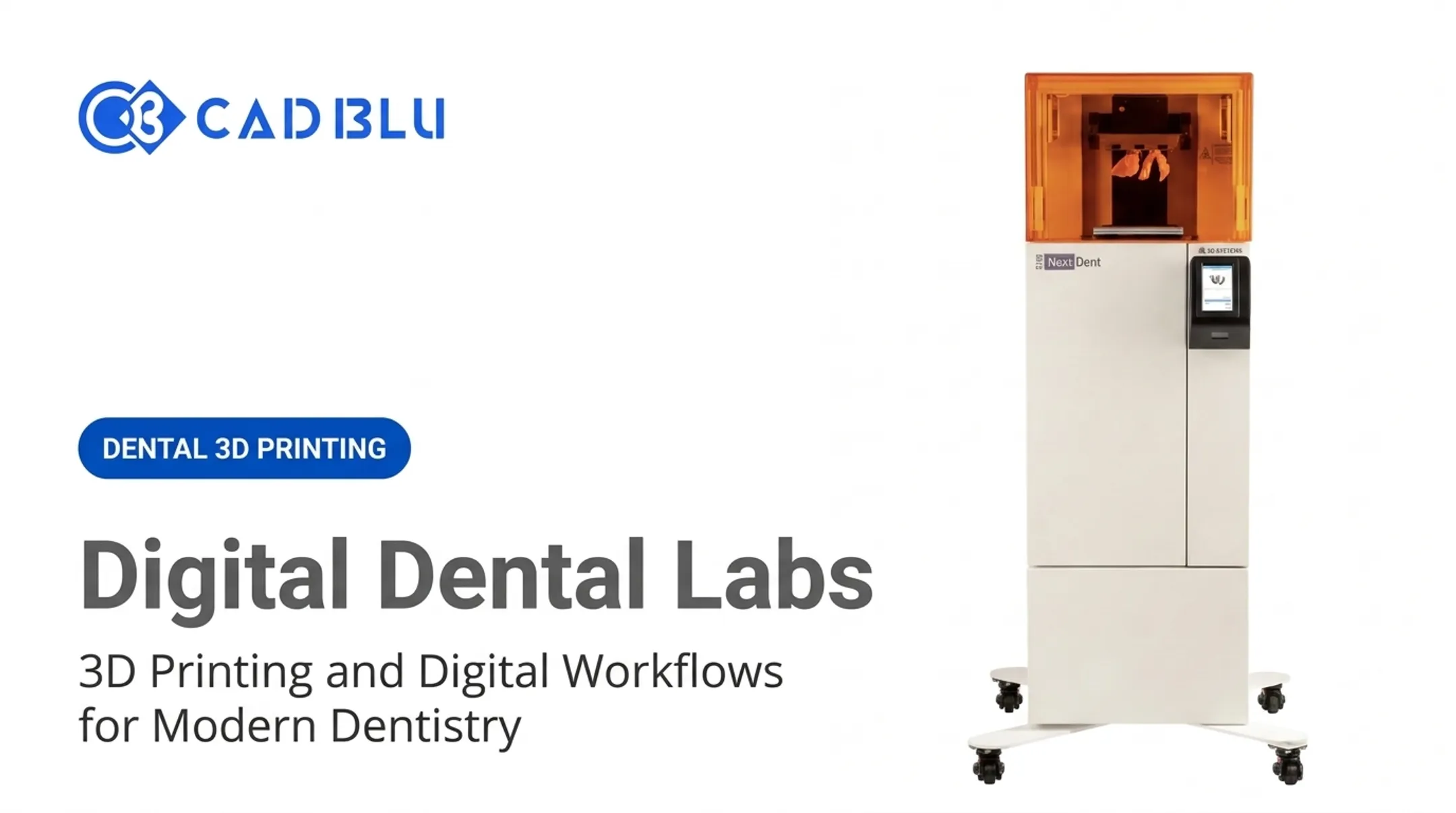
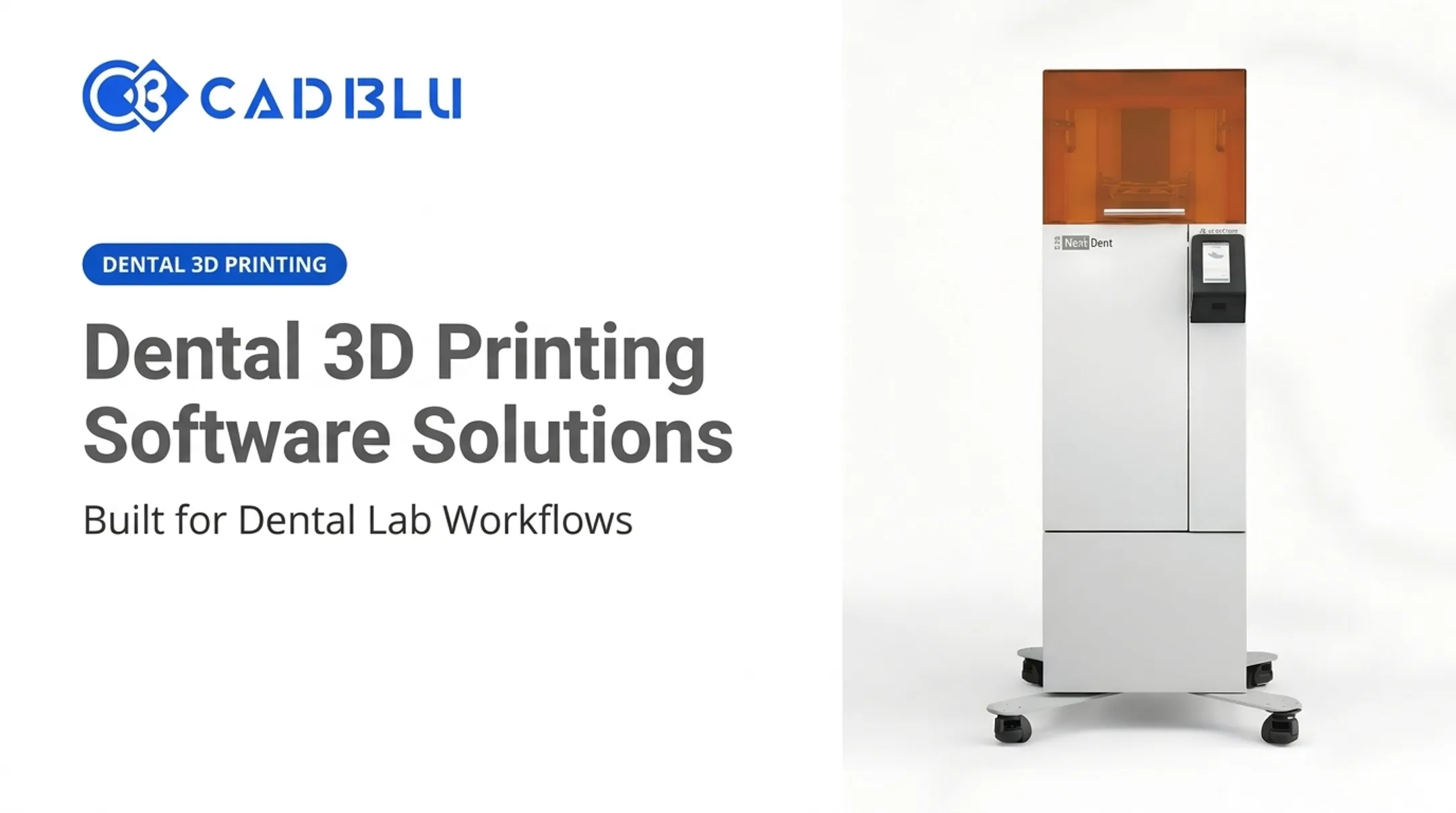
Approved files then move to milling, 3D printing, or casting, followed by finishing and quality checks. A simple example: a scan of a prepped tooth is designed in CAD, sent to a printer like the NextDent 5100, then finished and fitted. Some of this happens in-office; some gets outsourced to a specialized lab.

Records and Collaboration
Digital case files are easier to store, retrieve, and reuse for remakes. But storing them means handling protected health information correctly. Per HHS guidance on the HIPAA Security Rule, covered providers transmitting electronic health information must apply administrative, physical, and technical safeguards to protect confidentiality and integrity of that data.
Before committing to any platform, verify:
- File format compatibility (open vs. proprietary)
- Who owns the data and whether export is unrestricted
- Backup frequency and disaster-recovery procedures
- Compatibility with your existing scanner and lab partners
Which Digital Dental Solutions Are Used in Practices and Laboratories?
Not every practice needs every tool. A general practice might only need a scanner and a lab relationship; a full-service lab might run scanners, CAD software, and in-house manufacturing side by side.
Intraoral and Laboratory Scanning
Intraoral scanners work chairside, capturing data directly from the patient. Desktop or lab scanners digitize impressions, models, and components after the fact. When evaluating either, weigh:
- Scan accuracy for your typical case type
- Ease of use and scanning speed
- Open versus closed file formats
- Hygiene protocols between patients
- Software subscription costs and lab integration
Digital Imaging and Treatment-Planning Tools
This category includes digital X-rays, CBCT, intraoral cameras, virtual articulators, and implant-planning software. Diagnostic tools and manufacturing tools solve different problems, and that distinction matters when budgeting for either.
The FDA classifies dental CBCT systems and intraoral cameras as separate device categories with distinct regulatory requirements. Even AI-assisted image-analysis software is explicitly framed as an aid to diagnosis, not a replacement for the clinician's final call, per its FDA De Novo classification record.
CAD/CAM Software
CAD software designs crowns, bridges, dentures, aligners, and surgical guides from captured scan data. Look at:
- Design libraries and automation features
- Learning curve for your team
- Export compatibility with your scanner and printer
- Collaboration tools for lab-to-clinic case review
3D Sprint, used across CAD BLU's printer lineup, handles import, repair, placement, and print prep in one pass, illustrating how tightly this software needs to fit the hardware it's paired with.
Milling and 3D Printing
Subtractive milling and additive 3D printing solve different problems. A 2020 study on bite splints found milled splints had higher trueness, while printed splints showed better reproducibility overall. A broader 2025 scoping review reported milling waste above 30-40% in its comparisons, versus under 5% for printing, making printing more material-efficient for complex geometries like surgical guides and removable dentures.

CAD BLU's portfolio reflects that split, including:
- NextDent 5100 — supports 30 biocompatible, CE-certified materials for models, guides, dentures, splints, crowns, and bridges, listed at $10,995
- ProJet MJP 2500 Plus / 3600 Dental — higher-throughput multi-jet printing with network connectivity for lab environments
- NextDent Jetted Denture Solution — multi-material denture production integrated with CAD/CAM
Not every system suits every clinical application. Material validation and manufacturer instructions matter, especially for anything used intraorally.
Dental Materials and Post-Processing
Material categories include resins, elastomers, waxes, and biocompatible composites. Post-processing matters just as much as printing itself:
- Curing and washing
- Sintering or milling for ceramics/metals
- Polishing and finishing
- Sterilization and traceability
Products like NextDent's SURGICAL GUIDE resin are built for autoclave sterilization specifically because guides go straight into surgical use.
Practice- and Laboratory-Management Software
Scheduling, billing, case tracking, and inventory systems should connect to your clinical and manufacturing tools. Disconnected systems create duplicate data entry, unclear permissions, and missing audit trails: problems that surface exactly when you need a record fast.
What Are the Benefits of Digital Dentistry?
Patient comfort shows up consistently in the research. A 2021 systematic review found 10 of 11 patient-reported outcome studies favored digital impressions over conventional ones, citing less gagging, less anxiety, and reduced taste discomfort.
Clinical and lab benefits include:
- More consistent digital records for future reference
- Easier case review between clinician, lab, and technician
- Fewer manual transfer points where errors creep in
That review also showed intraoral scanning was faster than conventional impressions in 11 of 14 studies measuring working time, though not universally, so results vary by case complexity.

Operational gains typically look like:
- Faster file sharing instead of physical shipping
- Better case tracking through production queues
- Selected appliances or models produced in-house
Financial considerations aren't guaranteed savings. They depend on:
- Equipment utilization and case volume
- Software subscriptions and maintenance
- Staff training time
- Remake rates before and after adoption
A 2019 study on adding an intraoral scanner to an oral and maxillofacial surgery practice found implementation costs could be offset within the first year — but that's one practice model, not a universal outcome. Track your own baseline for:
- Scan retake rate
- Turnaround time
- Remake rate
- Chair time per procedure
- Material waste
How to Choose the Right Digital Dental Solution
Start with a needs assessment, not a product catalog. Ask what procedures you run most, what your turnaround goals are, and where your current bottlenecks sit. A solo practice sending everything to an outside lab has completely different needs than a full-service lab producing dentures in-house.
Separate must-haves from nice-to-haves, and compare practice-based, lab-based, outsourced, and hybrid models before assuming one setup fits.
Interoperability, Scalability, and Total Cost of Ownership
Ask vendors directly:
- Is the ecosystem open or closed?
- What file types and APIs are supported?
- Can you export your own data freely?
- Will it work with your existing scanner and management software?
Also confirm the system can handle more users, new materials, and higher volume as you grow, not just your current caseload.
Total cost matters just as much as capability. Add up hardware, licenses, materials, installation, training, maintenance, and downtime. A 2025 systematic review covering fixed-prosthesis workflows found no included study directly compared total costs between digital and conventional methods, and results on time savings were mixed. Build your ROI model from your own numbers, not a vendor's projection.

Vendor and Technical Support
Support quality matters as much as the hardware spec sheet. Evaluate:
- Onboarding and workflow consultation
- Response times for repairs
- Preventive maintenance availability
- Local versus remote technical support
CAD BLU, for instance, pairs its printer and materials catalog with OEM-trained and certified technicians who handle installation, workflow optimization, and repairs. That service layer is worth comparing across any manufacturing partner you're considering.
Safety, Quality Controls, and Piloting
Require documented material compatibility, defined user permissions, backups, and PHI-handling procedures. FDA's Quality Management System Regulation, effective February 2, 2026, folds ISO 13485:2016 into 21 CFR Part 820, which is relevant for any organization evaluating manufacturing partners producing devices for clinical use.
Once those safeguards are in place, test one repeatable, high-value workflow first: models, surgical guides, or night guards work well. Define success measures, gather staff feedback, and decide whether to expand based on results, not enthusiasm.
How to Implement Digital Dental Solutions Successfully
Tie the rollout to a specific outcome: faster case turnaround, expanded in-house production, easier record retrieval. Assign ownership across clinicians, technicians, and IT — treating this as an equipment purchase alone is how projects stall.
Train staff on both technique and reasoning, covering scanning method, file naming, case handoffs, and troubleshooting. Schedule supervised practice cases and build a feedback loop for recurring issues.
Integration and Data Security
Map the full data path from capture to storage. Identify where duplicate entry or manual downloads create risk. Define access controls, backup routines, and incident-response steps with qualified IT support.
Phased Rollout and Measurement
- Run a controlled pilot on one workflow.
- Compare results against your baseline.
- Expand only once the team executes reliably.
- Track operational, financial, and adoption metrics over time.
One practical data point: labs using integrated MultiJet denture workflows report eliminating manual assembly steps and cutting total production time to roughly 10-12 hours per case. That benchmark, drawn from real-world use of jetted denture systems, is a useful reference point when setting your own targets.
Preparing for Future Developments
AI-assisted design, cloud collaboration, and teledentistry are expanding fast. The ADA's 2025 AI standards now address validation datasets for image-analysis systems, signaling more formal oversight ahead. Readiness comes less from buying the newest device and more from having interoperable data, trained staff, and reliable support already in place.
Frequently Asked Questions
What are the benefits of digital dentistry?
Patients report more comfort with scans than with physical impressions. Clinicians gain faster case review and fewer manual handoffs. Benefits still vary by case type, so match tools to your own workflow before assuming universal gains.
What is digital dental technology?
Digital dental technology is the combined set of scanners, imaging systems, CAD/CAM software, and computer-controlled manufacturing used across diagnosis, design, and fabrication of restorations and appliances. It is an ecosystem, not one device.
What is a digital solutions company?
A digital solutions company supplies the technology, software, materials, training, and support behind digital workflows. It is not necessarily a dental care provider itself. CAD BLU is one example, supplying printers, materials, and OEM-certified support rather than treating patients.
How do I choose the right digital dental solution for my practice or lab?
Compare workflow fit, interoperability with existing tools, total cost of ownership, and vendor support quality. Pilot one workflow before committing to a full-scale rollout.
Can a small dental practice adopt digital dentistry gradually?
Yes. Start with one priority workflow, such as scanning for crowns, then expand after training and measured results. That spreads cost and disruption—full-scale adoption is not required to see benefits.