That distinction matters more than most buyers realize. Surface finish, dimensional accuracy, strength, material cost, post-processing labor, and safety requirements all shift depending on which technology you pick. A jewelry caster and an automotive fixture maker rarely need the same machine.
This guide breaks down the real differences between resin and filament printing: how each process works, where each excels, and how to think about total cost rather than sticker price. Neither technology wins across the board. The right answer depends on the part's geometry, mechanical demands, production volume, and budget.
Key Takeaways
- Resin excels at fine detail and smooth finish on small complex parts—jewelry, dental, and casting patterns.
- Filament favors simpler workflows, larger build volumes, and lower material cost for functional parts.
- Strength depends on material, orientation, and curing—not resin vs. filament by default.
- Resin adds wash, cure, and uncured-resin disposal steps you cannot skip.
- Total cost of ownership beats sticker price; many shops run both technologies side by side.
Resin 3D Printing vs. Filament 3D Printing: Quick Comparison
Cost
Printer price is just the entry fee. The real cost lives in materials, consumables, and labor.
Resin systems stack cost beyond the printer:
- Desktop printers: typically $2,000–$10,000; large-format $5,000–$25,000
- Resin: about $79–$250/L (bulk SLA can run near $35/L)
- Consumables: tanks and build platforms often $119–$339 each
- Extras: wash/cure stations, gloves, and IPA — per-part cost climbs fast
Filament systems are usually cheaper to run day to day:
- Desktop FDM: typically $2,000–$8,000; industrial from about $15,000
- Filament: $20–$150/kg; supports often $100–$200/kg
- Maintenance: nozzles, build plates, occasional drying — lower churn than resin consumables

One line item people forget: ventilation. NIOSH recommends at least 6 air changes per hour or a portable HEPA unit for regular 3D-printing use, resin or filament. That's an infrastructure cost, not a printer cost.
Composition and Printing Process
- Resin printing cures liquid photopolymer with UV light.
- SLA uses a laser and galvanometers; DLP projects a full layer image (often faster); LCD/mSLA masks an LED array to cure each cross-section at once.
- Filament printing (FDM/FFF) melts thermoplastic and deposits it through a heated nozzle. FDM is Stratasys's trademark; FFF is the generic name for the same process.
Detail and Surface Finish
Resin's biggest advantage shows up here. Formlabs' Form 4 resin system publishes 50-micron XY resolution, with 99.7% of measured features landing within 100 microns of spec in manufacturer testing.
Filament systems compete differently. Stratasys's F170 FDM printer lists accuracy at ±0.200mm or ±0.002mm/mm, whichever is greater. That tolerance works for many functional parts, though layer lines usually show more unless you use fine layer heights and post-finishing.
Strength and Durability
This is where assumptions get people in trouble. There's no universal "resin is stronger" or "filament is stronger" rule.
| Material | Tensile Strength | Elongation |
|---|---|---|
| UltiMaker PLA | 45.6 MPa | 5.2% |
| UltiMaker Nylon | 40.4 MPa (XY) | >120% (XY) |
| Formlabs Tough 2000 V2 (post-cured) | 40.4 MPa | 79% |
| Formlabs Durable Resin (post-cured) | 28 MPa | 55% |
PLA actually edges out post-cured Tough resin on raw tensile numbers in these datasheets, while the resin flexes far more before breaking. Orientation matters too: UltiMaker Nylon tests 40.4 MPa in the XY plane but only 23 MPa when printed in Z, showing how layer direction changes everything for filament parts.
Workflow, Safety, and Production Fit
- Resin workflow: Wash parts, remove supports, post-cure under UV, and treat uncured resin and solvents as chemical waste.
- Resin safety: Typical Formlabs SDS codes include H317 (skin allergy) and H319 (eye irritation) — use gloves, eye protection, and ventilation.
- Filament workflow: Usually simpler — remove the part from the bed and strip supports. Some materials need enclosures, drying, or warp control.
- Filament emissions: NIOSH notes ABS emits more ultrafine particles than PLA; a filtered enclosure cut measured emissions by 97–99% in one evaluation.
What Is Resin 3D Printing?
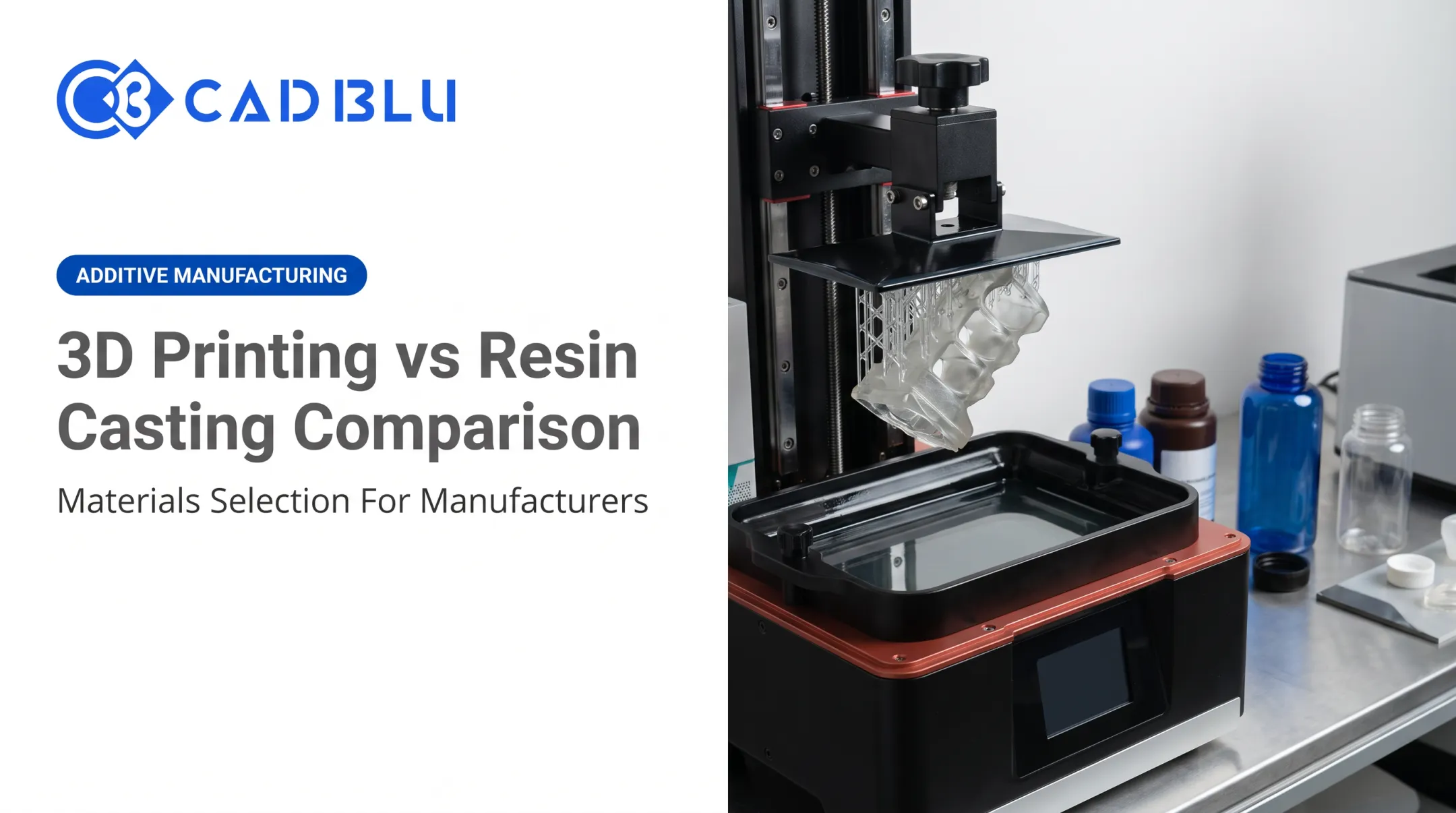
Resin 3D printing (technically called vat photopolymerization) builds parts by selectively curing liquid photopolymer resin with UV light, one thin layer at a time. The result is a solid object built from a liquid that never touches a hot nozzle.
The basic workflow looks like this:
- Design or import a CAD model and slice it in printer software.
- The printer exposes each layer to UV light, curing resin in the vat.
- Remove the part, still coated in uncured resin.
- Wash the part (typically with isopropyl alcohol) to remove excess resin.
- Remove support structures.
- Post-cure under UV light to reach full mechanical properties.

SLA, DLP, LCD, and mSLA: What's the Difference?
- SLA traces each layer point-by-point with a laser and mirrors.
- DLP projects a full image per layer using a digital projector, generally faster than SLA.
- LCD/mSLA use a masked LED array behind an LCD screen to cure an entire cross-section simultaneously.
Choose based on the job: DLP and mSLA usually win on speed and cost per part, while high-end SLA often holds tighter tolerances on larger builds.
Benefits and Trade-Offs
Where resin shines:
- High detail and dimensional accuracy for small, intricate parts
- Smooth surfaces straight off the printer
- Specialized formulations (castable, biocompatible, high-temperature, flexible)
What it costs you:
- Liquid handling, washing, and curing add labor to every print
- Ventilation and PPE requirements
- Vats, films, and build platforms wear out and need replacing
- Build volume is often smaller unless you invest in large-format systems
Resin Material Categories Worth Knowing
Match the formulation to the job, and confirm suitability on the manufacturer datasheet:
- Standard resins for general prototyping
- Tough/durable resins simulating ABS-like impact resistance
- Flexible resins for elastomeric parts
- High-temperature resins with HDT ratings up to 310°C in some formulations
- Castable resins designed for clean investment-casting burnout
- Dental and biocompatible resins, often tested to ISO 10993 standards for clinical use
- Transparent/crystal-clear resins for optical or presentation models
Use Cases of Resin 3D Printing
Resin fits workflows where fine detail and finish quality outweigh part size:
- Jewelry casting patterns with fine prongs, filigree, and mesh detail filament can't match
- Investment casting with castable resins that burn out clean for direct-to-metal workflows
- Dental models and surgical guides using biocompatible, clinically validated materials
- Visual prototypes and miniatures that come off the printer smooth, with little or no sanding
Case in point: Dental lab Smileep reported a 60-80% technician productivity gain after switching to a digital resin workflow, moving from 7-8 splints per day to 20 or more, and cutting delivery time from five days to two.
What Is Filament 3D Printing?
Filament printing, also called FDM or FFF, heats thermoplastic filament and deposits it through a nozzle to build a part layer by layer. No liquid, no UV, no vat. Just melted plastic laid down in a pattern.
Common materials include:
- PLA — easy to print, low cost, ideal for concept models
- PETG — better chemical resistance and toughness than PLA
- ABS/ASA — higher heat resistance, common for functional parts
- Nylon — high elongation and impact resistance
- TPU — flexible, rubber-like parts (Ultimaker TPU 95A reaches up to 580% elongation at break)
- Polycarbonate and fiber-reinforced filaments — engineering-grade strength for demanding applications

Advantages and Limitations
Filament printing's biggest draw is accessibility. Build volumes tend to be larger, materials are widely available, and part removal doesn't involve chemical washing.
The trade-offs:
- Layer lines are usually more visible than resin's smooth finish
- Strength is anisotropic — parts are weaker across layers than along them
- Some materials (ABS, nylon) warp or need heated chambers
- Support structures and nozzle maintenance add labor
Use Cases of Filament 3D Printing
Filament suits shops that need practical, larger, or more mechanically demanding parts:
- Functional prototypes — quickly testing mechanical concepts before tooling investment
- Jigs and fixtures — shop-floor aids that don't need cosmetic perfection
- Enclosures and replacement parts — PETG or ABS for durability
- Educational projects — PLA's low cost and ease of use make it the default teaching material
PLA works well for quick concept work, but confirm temperature, chemical, load, and regulatory requirements before specifying engineering filaments like nylon or polycarbonate.
In one Stratasys case, a Fortus 450mc FDM printer with Nylon 12CF produced a full-size forming die, cutting lead time by 87% and saving roughly $4,000 versus outsourcing the tool.
Resin 3D Printing vs. Filament: What Is Better?
There's no universal winner. The better process depends on the part's job, the finish you need, and how much workflow complexity your shop can support.
Factors to Weigh
- Required detail level and surface finish
- Dimensional tolerance and mechanical loads
- Temperature and chemical exposure in service
- Part size and production volume
- How much post-processing labor you can handle
- Safety infrastructure already in place (ventilation, PPE protocols)
Situational Recommendations
Choose resin when:
- Fine detail or intricate geometry drives the design
- Surface finish matters straight off the printer
- You need castable patterns, dental parts, or prototypes where cosmetics matter
Choose filament when:
- Parts are large or need to be mechanically robust
- Workflow simplicity and lower material cost matter
- You're iterating quickly on functional prototypes or shop aids
Many shops use both. Resin covers high-detail validation models and casting patterns; filament covers larger fixtures and mechanically practical parts. Running the two side by side is common.
Clearing Up the Strength Myth
Strength depends on the specific material, not the process category. As the strength table above shows, PLA's tensile strength (45.6 MPa) beats post-cured Tough 2000 resin (40.4 MPa) in manufacturer testing. Real-world results also hinge on:

- Print orientation (layer direction can cut filament strength in half)
- Post-cure schedule for resin (under-cured parts are weaker; over-cured parts can turn brittle)
- Wall thickness, infill, and support strategy
- Moisture and UV exposure over the part's service life
Compare actual datasheets for your specific material, not generic category assumptions.
Choosing a Printer and Support Partner
Advertised resolution numbers only tell part of the story. Before buying, evaluate:
- Material compatibility and validated print profiles
- Build volume versus your actual part sizes
- Repeatability across production runs
- Software workflow and ease of integration
- Service support, training, and repair turnaround
- Scalability as production volume grows
This is where many teams get stuck: comparing spec sheets without a clear sense of total workflow fit.
CAD BLU helps dental, jewelry, investment casting, medical, and industrial teams match commercial printers, materials, and software to the real production requirement. That support extends to OEM-certified repair once the machine is running.
Real-World Examples and Case Studies
Formlabs' thermoforming mold comparison offers a useful side-by-side. Its analysis compared outsourced DLP and FDM molds against in-house production for low-volume thermoforming:
| Method | Total Cost | Lead Time |
|---|---|---|
| Outsourced DLP | $660 | 7 days |
| Outsourced FDM | $680–$965 | 7 days |
| In-house FDM | $415 | 3.5 days |
| In-house SLA | $295 | 3.5 days |
For this specific low-volume mold application, in-house SLA production had the lowest reported total cost and matched FDM's faster lead time. The molds were expected to survive 20-50 thermoforming cycles.
In short, the "better" technology depended entirely on the application—not a general resin-versus-filament ranking. If your shop is weighing a similar decision, whether that's casting patterns, dental models, or functional tooling, contact CAD BLU to talk through printer options, material selection, and workflow setup for your specific parts.
Conclusion
Match the process to the part—not the other way around:
- Resin usually wins on fine detail, smooth surfaces, and small intricate parts
- Filament usually wins on larger builds, lower running cost, and mechanically demanding parts
- Materials and workflow matter as much as the printer category you pick
Before you invest, weigh total operating cost, safety and ventilation needs, post-processing labor, expected part performance, and the support required to keep production running. If you need help comparing resins, filaments, or a full workflow for dental, jewelry, casting, or industrial use, CAD BLU can help you narrow the options and keep equipment supported.
Frequently Asked Questions
Is resin 3D printing better than filament?
Resin is generally better for fine detail and smooth finishes. Filament is usually better for larger functional parts, simpler handling, and lower-cost prototyping—so the application picks the winner, not the technology.
Is resin 3D printing more expensive than filament?
Resin often costs more once you include consumables, curing equipment, and labor. Filament usually has lower per-part material cost, with different maintenance tradeoffs across the full workflow.
Are resin prints stronger than PLA?
Not automatically. Manufacturer data shows PLA's tensile strength (45.6 MPa) can exceed some post-cured tough resins (40.4 MPa), though resin often offers higher elongation before breaking. Compare specific material datasheets.
How long will resin prints last?
Lifespan depends on the resin type, post-cure schedule, UV exposure, temperature, and mechanical load. Under-curing weakens parts, while over-curing can make them brittle. Check manufacturer durability data for critical applications.
Why can't you touch resin?
Uncured resin contains acrylates that can cause skin irritation or allergic sensitization, along with eye irritation. Always use gloves, eye protection, ventilation, and proper disposal methods for uncured resin and cleaning solvents.