Choosing the right material is one of the most critical decisions in the 3D printing workflow. It directly impacts a part's strength, flexibility, heat resistance, appearance, and cost. The material determines whether a component is a simple visual prototype or a high-performance, end-use part ready for the factory floor. This guide covers the main material categories, the technologies they pair with, and the practical criteria for selecting the best option for your application.
Key Takeaways
- 3D printing materials include thermoplastic filaments, photopolymer resins, polymer and metal powders, and composites.
- A material is only useful if it's compatible with the printer; filament, resin, and powder systems are not interchangeable.
- Select materials based on the part's required performance, including strength, flexibility, heat resistance, and surface finish.
- Factor in the total cost, including the printer, post-processing equipment, ventilation, and operator expertise—not just the material price.
What Are 3D Printing Materials and Why Do They Matter?
Material choice decides whether a printed part holds tolerance, survives real loads, and stays within budget—or fails in service.
What are 3D printing materials?
3D printing materials are the feedstock a printer uses to build an object layer by layer. That feedstock comes in several primary formats, each tied to a specific printing technology:
- Filament: A thermoplastic wire spooled for Fused Deposition Modeling (FDM) or Fused Filament Fabrication (FFF) printers.
- Pellets: Small granules of thermoplastic, often used in large-format industrial extruders.
- Liquid Resin: A liquid photopolymer cured by a light source in Stereolithography (SLA), Digital Light Processing (DLP), or Masked Stereolithography (MSLA) printers.
- Powder: Fine polymer or metal powder that is fused, sintered, or bound together in processes like Selective Laser Sintering (SLS), Direct Metal Laser Sintering (DMLS), or Binder Jetting.
- Wire: Metal wire that is melted and deposited in some Directed Energy Deposition (DED) systems.

Final part properties depend on more than chemical formula. Print process, build settings, part orientation, and post-processing all change how the finished component performs.
Why does material selection matter?
Match the material to the job or you risk weak accuracy, poor mechanical performance, rough finish, and higher total cost. A bad match often ends in part failure.
A snap-fit enclosure printed in a brittle material cracks on first use. A high-heat jig made from low-temp PLA warps and goes out of spec. Other common failure modes include:
- Brittleness from inadequate impact resistance
- Distortion from poor heat resistance
- Chemical damage after solvent exposure
- Premature wear under friction or abrasion
Aerospace, medical, and automotive work add stricter bars. A general-purpose plastic will not pass for a patient-specific surgical guide that must be biocompatible and sterilizable. Per the FDA, material-machine interaction and post-processing steps are critical to additively manufactured medical device performance, so selection needs to be deliberate and documented.
Types of Materials Used in 3D Printers
3D printing materials fall into a few major families. Your printer technology—FDM, resin, metal powder, or specialty systems—decides which ones you can run.
Plastics and Thermoplastic Filaments
The most common and accessible category, thermoplastic filaments are used in FDM printers that heat and extrude the material layer by layer. Industrial systems may also use this material in pellet form.
- Common Materials: PLA, ABS, PETG, Nylon, TPU (flexible), and Polycarbonate (PC).
- Best Suited For: Concept models, low-cost prototypes, jigs and fixtures, enclosures, and functional polymer parts.
- Key Strengths: Broad property range—from easy-print PLA to heat-resistant PC, chemical-resistant Nylon 12, and flexible TPU.
- Limitations: Trade-offs on heat, warp, and UV; engineering grades like PC often need a heated chamber.
PLA prints easily but softens around 58°C. ABS holds up nearer 86°C yet can warp and degrade in UV. Match the filament to both the part requirement and the printer’s temperature control.
Resins and Photopolymers
Used in SLA, DLP, and MSLA printers, photopolymers are liquid resins that are cured into solid layers by a UV light source. This technology is known for producing parts with exceptional detail and smooth surface finishes.
- Common Materials: General-purpose, tough, rigid, flexible/elastic, high-temperature, castable, clear, and biocompatible (dental/medical) resins.
- Best Suited For: High-detail visual prototypes, dental models, surgical guides, jewelry casting patterns, small precision components, and molds.
- Key Strengths: High accuracy and smooth surfaces; specialty options for casting burnout and biocompatible dental work (e.g., crowns and bridges).
- Limitations: Messier than FDM—wash, support removal, and UV post-cure required, plus careful handling and ventilation.
Metals and Metal Alloys
Metal 3D printing is primarily an industrial process that uses technologies like DMLS, Selective Laser Melting (SLM), and Binder Jetting. These systems typically work with fine metal powders or, in some cases, metal wire.
- Common Materials: Stainless steels, tool steels, aluminum, titanium, cobalt-chrome, nickel superalloys, and copper.
- Best Suited For: Aerospace, automotive, medical, and tooling parts—implants, consolidated aero components, and conformal-cooled inserts.
- Key Strengths: Complex geometries hard to machine; high strength, heat and corrosion resistance (e.g., Ti64 for strength-to-weight and biocompatibility).
- Limitations: High equipment and facility cost, heavy post-processing, and strict powder-handling safety protocols.
Other Materials: Composites, Ceramics, and Wax
Beyond the main three categories, a range of specialized materials serves niche applications.
- Composites: Nylon or ABS filaments filled with carbon, glass, or Kevlar (e.g., Nylon 12CF) for stiffer tooling and end-use parts.
- Ceramics: Alumina and zirconia via slurry SLA or binder jetting; green parts need debinding and sintering for full density and extreme heat resistance.
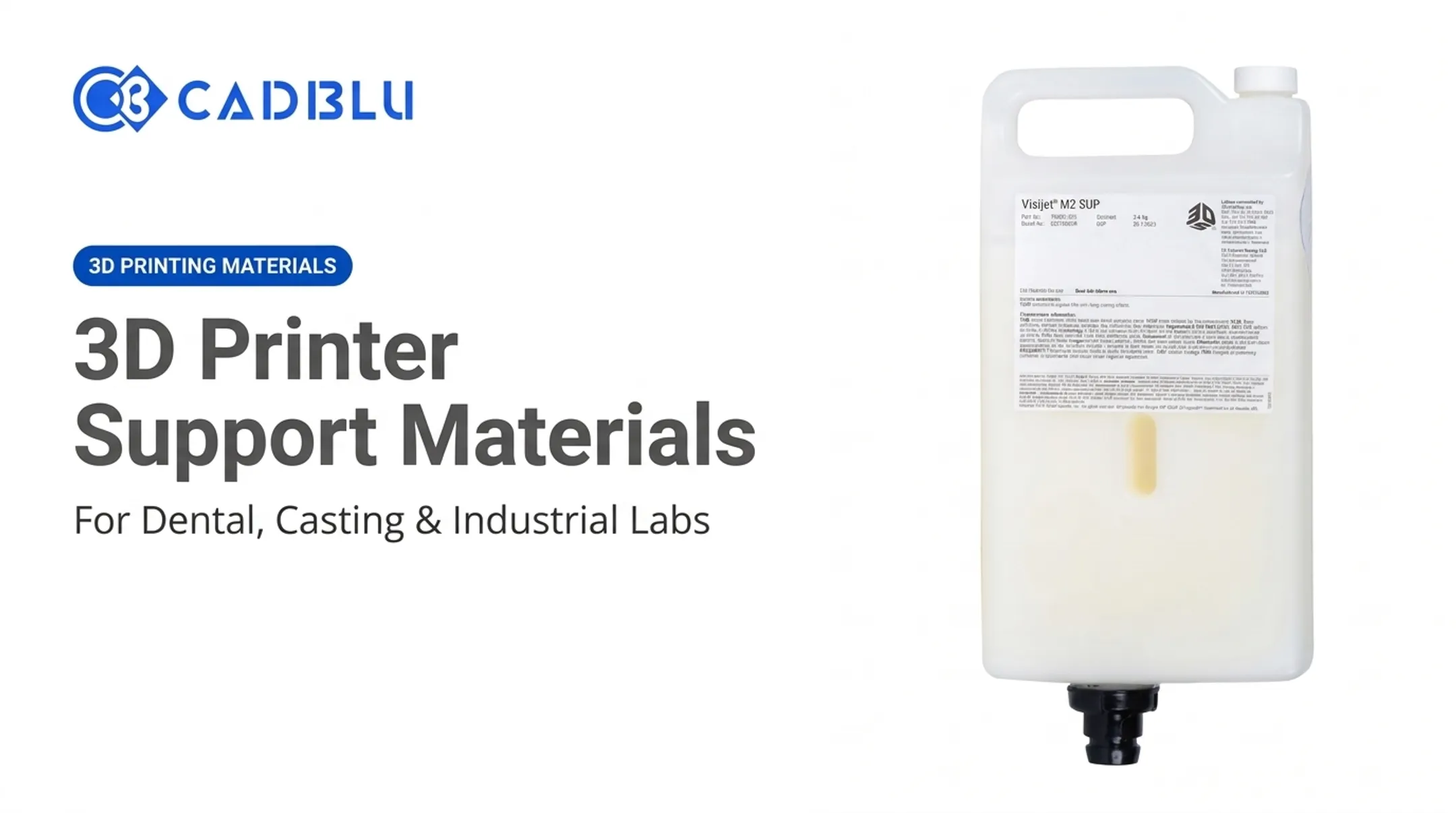
- Wax: Castable pattern materials (e.g., VisiJet M2 ICast) that burn out cleanly in jewelry and industrial investment casting.

How to Choose the Right 3D Printing Material
With so many options, how do you narrow down the choices? The best approach is to work backward from your application's requirements. Don't start with a material; start with the problem you need to solve.
1. Define the Application and Performance Requirements
First, determine the part's purpose. Is it a quick visual model, a functional prototype for fit testing, or a durable end-use component? Document the mechanical properties it must have:
- Strength and Stiffness: Will the part be under load?
- Flexibility or Rigidity: Does it need to bend or remain completely stiff?
- Impact and Wear Resistance: Will it be subject to collisions or friction?
- Dimensional Stability: How tight are the tolerances?
2. Translate the Operating Environment into Material Properties
Next, consider where and how the part will be used. This will dictate its environmental resistance needs. Check for exposure to:
- Heat: What is the maximum continuous operating temperature?
- Moisture or Humidity: Will the part be used outdoors or in a damp environment?
- UV Light: Will it be exposed to direct sunlight?
- Chemicals: Will it come into contact with oils, solvents, or cleaning agents?
- Special Conditions: Does it require biocompatibility for skin or internal contact, or does it need to be food-safe?
Always consult the material's technical data sheet (TDS) for specific values. Don't rely on broad labels like "strong" or "heat-resistant." For example, the TDS for Accura Phoenix shows a heat deflection temperature over 130°C (266°F) after thermal post-curing, making it suitable for hot fluid flow applications.
3. Match the Material to Your Printer and Workflow
Your choice is immediately limited by the 3D printing technology you have access to. You can't run a liquid resin in an FDM printer. Beyond basic compatibility, consider:
- Printer Requirements: Does the material need a heated build plate, an enclosed chamber, or a special hardened nozzle (for abrasive composites)?
- Post-Processing: What equipment and labor are needed for support removal, washing, curing, sintering, or polishing? For example, some resins require washing in isopropyl alcohol (IPA), while others can be cleaned with soap and water.
- Workflow Integration: How will the printed part be used? If it's a pattern for investment casting, a clean-burning wax or castable resin is essential.
4. Compare Economics and Operational Demands
Material cost is more than just the price per kilogram. A "cheap" filament that results in a high failure rate is more expensive than a reliable, higher-priced material. Evaluate the total cost of ownership:
- Material Price: Compare the cost of materials like a $220 bottle of Figure 4 TOUGH-BLK 20 resin to an $86 spool of Ultimaker TPU 95A filament.
- Waste and Consumables: Factor in failed prints, support material, solvents, and other consumables.
- Labor and Energy: Account for the time and energy spent on printing, post-processing, and quality control.
- Operator Expertise: Are you equipped to handle the safety and workflow demands of advanced materials like metal powders or some industrial resins?

5. Seek Expert Guidance for Specialized Applications
When selecting materials for demanding or regulated applications, guesswork is not an option. Comparing sample prints, reviewing technical data, and understanding the full workflow is critical before investing in new equipment or a large material inventory.
Partnering with a full-service additive manufacturing provider like CAD BLU can reduce risk in this process. With more than 25 years of experience across dental, jewelry, aerospace, and industrial sectors, our team can help you evaluate printers, materials, and software to build a workflow matched to your needs. That includes materials guidance, application support, and service so you can adopt digital manufacturing without costly trial and error.
What to Check Before Finalizing a Material
To avoid common pitfalls, run through this final checklist before committing to a material:
- Don't over-engineer. Avoid choosing the most advanced or expensive material if a simpler, more affordable option meets all the part's actual requirements.
- Look beyond the price tag. Verify printability, environmental resistance, post-processing needs, and the total cost of producing a successful part.
- Confirm safety and compliance. For medical, dental, food-contact, or other regulated parts, choose materials that include the required documentation and certifications.
- Check applicable standards. For medical devices, consult ISO/ASTM 52910:2018 and guidance from the relevant regulatory bodies.
Conclusion
3D printing materials go well beyond basic plastics. Flexible filaments, high-detail resins, high-strength metals, and specialized composites cover most applications—but each option depends on a specific process and workflow.
Start with your part’s functional needs, then match them to verified material data so printed parts perform as intended. When the choices feel unclear, CAD BLU can help you compare materials and workflows and select the right fit for your production goals.
Frequently Asked Questions
What media do 3D printers use?
3D printers use different feedstock by technology: plastic filament spools, liquid photopolymer resin, polymer or metal powder, thermoplastic pellets, and metal wire.
What cannot be printed on a 3D printer?
Standard systems cannot print integrated electronics, living tissue, or multi-material assemblies that need embedded circuitry. Regulated medical, dental, and aerospace parts also require validated materials, certified equipment, and controlled manufacturing processes.
What household items can be 3D printed?
Common practical prints include custom organizers, replacement hooks or covers, brackets, fixtures, and simple tools for the shop or workspace. Use caution and choose suitable materials for anything load-bearing, high-heat, or intended for food contact.
Can I 3D print my own files?
Yes, you can print your own designs. You will need to export your 3D model as a compatible file format, such as STL, 3MF, or OBJ, and then prepare it for printing using "slicer" software.
What is the most common material used in 3D printing?
Plastics and polymers are the most widely used category of 3D printing materials. This includes thermoplastic filaments like PLA and ABS for FDM printing, liquid photopolymer resins for SLA/DLP, and polymer powders for SLS.
How do I choose the right 3D printing material?
Start by defining the part's purpose and the mechanical properties it requires (strength, flexibility, etc.). Then, match those needs to a material's data sheet, confirm printer compatibility, and account for post-processing and total cost.