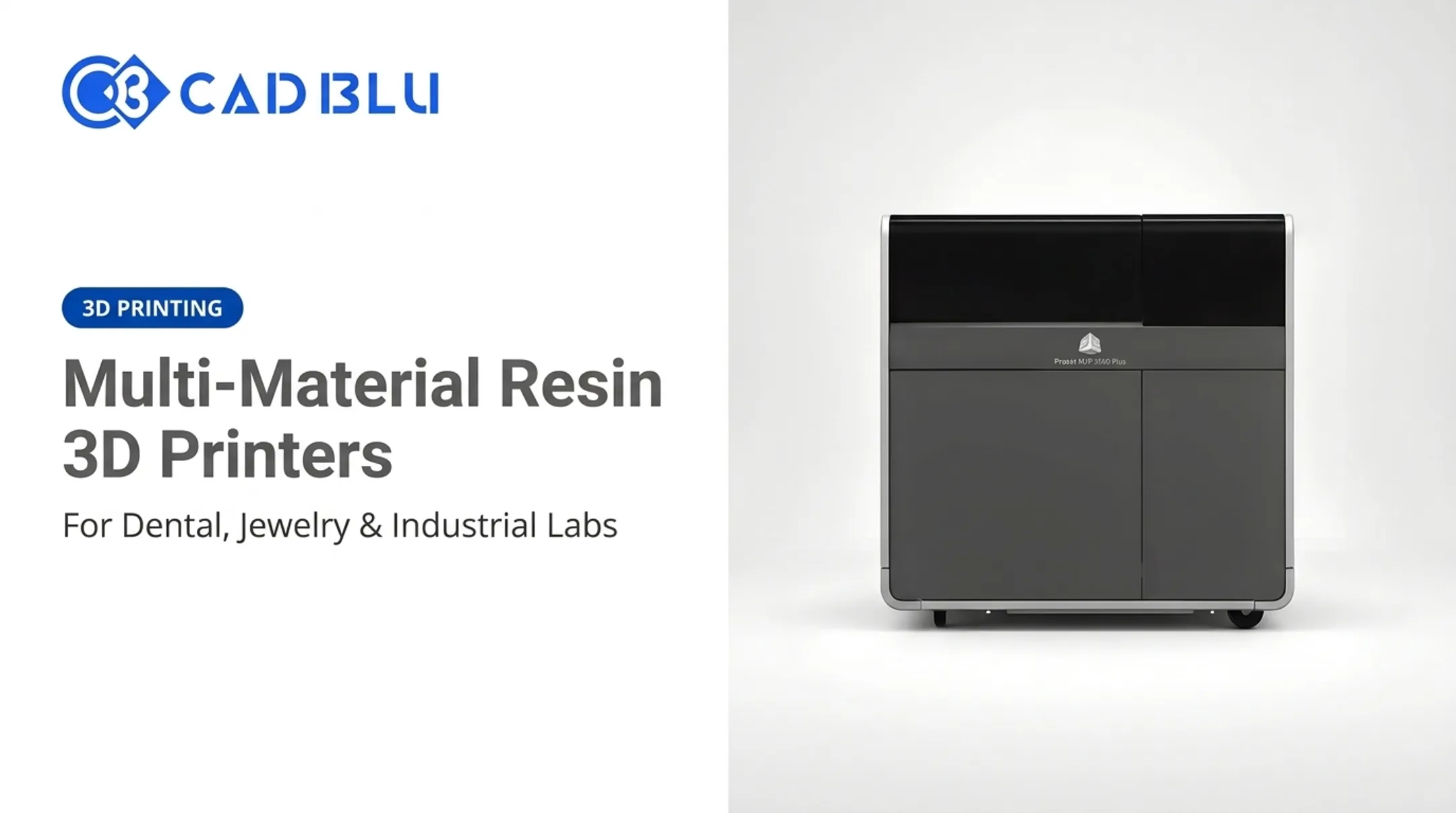
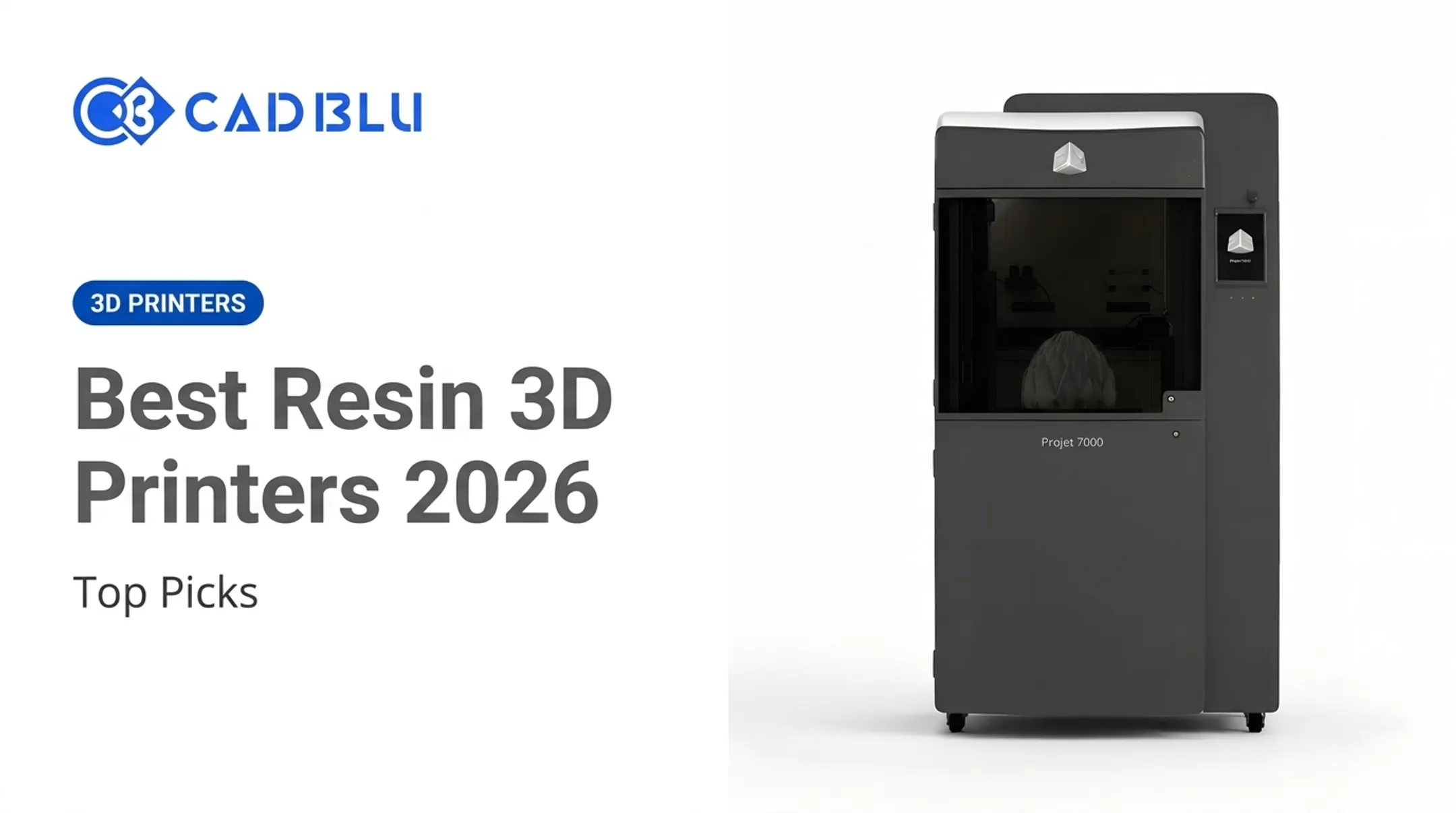
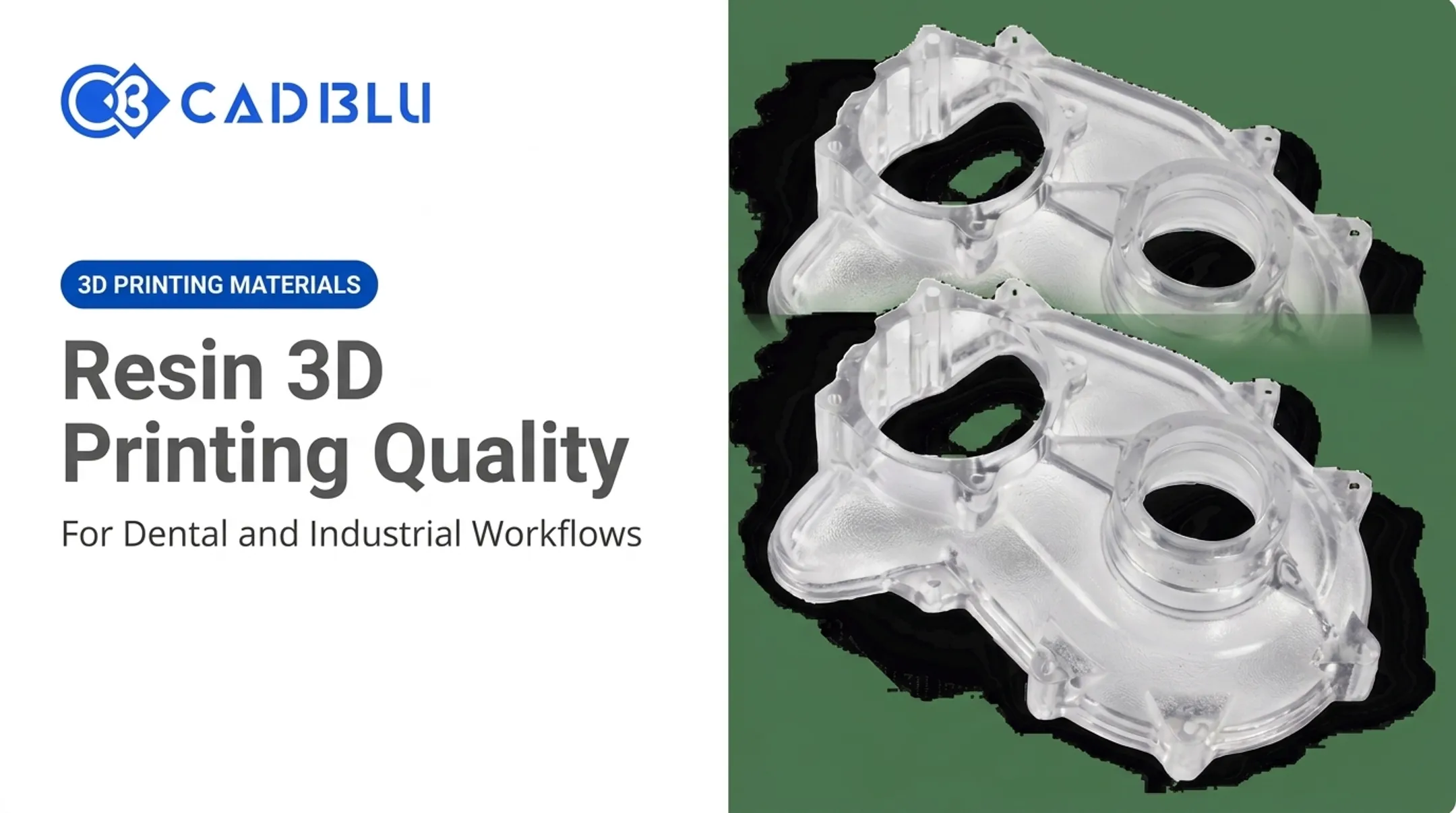
The real question isn't "which technology is better." It's whether your parts, production volume, workspace, and safety procedures actually fit a resin workflow. This article breaks down the genuine advantages, the trade-offs manufacturers don't always advertise, and how to figure out if resin printing belongs in your shop.
Key Takeaways
- Resin printers deliver fine detail, smooth surfaces, and precise small geometries that filament printing struggles to match
- Post-processing (washing, curing, support removal) adds real time, cost, and workspace demands
- High resolution doesn't guarantee impact resistance or long-term durability — check the material data sheet
- The right choice depends on your parts and workflow, not printer price or headline specs alone
What Are Resin 3D Printers?
Resin printers use a process called vat photopolymerization. A light source selectively cures liquid photopolymer resin, layer by layer, inside a vat until a solid part emerges. Unexposed resin stays liquid in the vat for reuse; residue on the part is washed away later.
SLA, DLP, and LCD/MSLA Explained
The technology name depends on how the light is delivered, not on the word "resin" itself:
- SLA uses a laser and galvanometers to trace each layer point by point
- DLP projects an entire layer at once through a digital projector, generally printing faster than SLA
- LCD/MSLA masks a light source (often LED) so only the needed cross-section cures, exposing a full layer simultaneously
According to Formlabs' comparison of resin printer technologies, desktop DLP systems typically hit XY resolutions between 35 and 100 micrometers, though exact numbers vary by machine and manufacturer.
From Digital File to Finished Part
The workflow has more steps than loading a spool and hitting print:
- Prepare the model and generate supports in slicing software
- Print the part layer by layer in the vat
- Remove the part carefully from the build plate
- Wash away uncured resin residue
- UV-cure the part to reach full mechanical properties
- Remove supports and finish (sanding, polishing) as needed
Resin Selection Changes Everything
Not all resins behave the same way. CAD BLU's catalog includes:
- Castable resins for jewelry and casting houses
- Biocompatible dental resins such as NextDent CAST/PURPLE
- Rigid engineering formulations like Photocentric's Pro Hard
Always check the manufacturer's current application and regulatory claims before using any resin in clinical or safety-critical work.
That material choice is central to the FDM tradeoff: resin wins on surface quality, while FDM still suits larger, tougher, lower-maintenance parts.
The Main Advantages of Resin 3D Printers
Fine Detail and Complex Geometries
Resin printers reproduce thin walls, small text, and intricate textures that filament nozzles can't replicate. Professional systems illustrate the range: the 3D Systems ProJet 7000 HD reproduces features down to 0.050 mm, while the ProJet 6000 and 7000 line claims accuracy around 0.001–0.002 inches per inch. These figures shift with build parameters, geometry, and orientation, so treat manufacturer specs as a starting point, not a guarantee for your specific part.
A Smoother Surface Finish
Layer lines are far less visible on resin parts than on FDM prints. That said, support marks, orientation choices, resin selection, and exposure settings all still affect the final look. A part printed flat versus angled can show dramatically different surface quality even on the same machine.
Where Detail Actually Pays Off
Several industries choose resin printing when surface quality and precision determine the result:
- Jewelry and casting — fine filigree, medallions, and investment-casting patterns
- Dental labs — crown and bridge models, surgical guides, orthodontic models
- Miniatures and models — high-accuracy figurines and design prototypes
- Medical visualization — anatomical models for planning and education
Note the distinction: these are largely models, patterns, and prototypes. Regulated end-use devices require separate certification review.
Batch Production and Material Range
Because curing happens across an entire vat, multiple small parts can often nest on one build platform. Actual throughput depends on your build area, layer time, and how fast your post-processing station can keep up — not just print speed alone.
Throughput is only half the story. The material library has moved well past one generic "resin," with options such as:
- Castable
- Flexible
- Tough engineering
- High-temperature
- Biocompatible
A 2020 investment casting study reported SLA-based casting patterns costing $215,000 versus $330,000 for traditional wax patterns, with a 5-month cycle versus 8 months for the traditional route. Results like this are case-specific, so validate similar claims against your own volumes before assuming the same savings.

The Main Disadvantages and Hidden Trade-Offs
The Post-Processing Workload
Every resin part needs hands-on attention after printing:
- Careful removal from the build plate
- Washing to strip uncured resin
- Drying before curing
- UV curing to reach full strength
- Support removal, plus sanding or finishing if needed
Skip a step, and the part either stays tacky, warps, or never reaches its intended mechanical properties.
Safety and Workspace Requirements
Uncured resin isn't something to handle casually. NIOSH's guide to safe 3D printing flags acrylates and airborne particles as exposure risks tied to asthma and dermatitis. Recommended controls include:
- Gloves rated for acrylates and isopropyl alcohol, replaced when contaminated
- UV-rated eye protection
- Local exhaust or outdoor ventilation (filtered enclosures cut particle emissions by 97–99% in NIOSH's cited evaluation)
- Spill control and compliant waste disposal
- Following the resin's specific safety data sheet, since PPE requirements vary by product
An enclosed printer helps, but it doesn't eliminate exposure risk on its own.
Strength and Durability Aren't Automatic
High resolution does not equal high toughness. Standard resins are often brittle. Compare two Formlabs data sheets: Grey Resin V5 shows roughly 15% elongation at break after curing, while Tough 2000 V2 shows around 79%.

That gap changes how much bending a part can survive before cracking. The outcome depends entirely on which resin you chose, not on print quality.
Standard resin parts generally aren't suited for:
- Repeated impact or load-bearing use
- Outdoor or UV-exposed applications
- High-heat environments
- Fatigue-intensive cycling
Engineering-grade resins like Photocentric's Pro Hard or TOUGH70 close some of that gap, but always validate against the part's real mechanical, thermal, and chemical demands before calling it functional.
The Full Cost Adds Up
The printer purchase price is just the entry point. Budget for:
- Resin (often $150–$300+ per liter or kilogram depending on formulation)
- Wash solution, gloves, and other PPE
- Replacement tanks, build plates, or LCD screens
- Curing units and ventilation equipment
- Software and calibration tools
- Failed prints and staff training time
Photocentric's Pro Hard, for example, comes in 5 kg bottles, while CAD BLU's catalog lists dental resins like NextDent SURGICAL GUIDE at roughly $280 per kilogram. Research current pricing for your specific materials rather than assuming a flat industry number.
Workflow Complexity Is Real
Print success hinges on several variables:
- Model orientation and support placement
- Exposure settings and resin freshness
- Ambient temperature and printer calibration
First-time users should plan for a learning curve. Access to technical support helps when a print fails for reasons that aren't immediately obvious.
Who Should Consider a Resin 3D Printer?
Resin printing fits best when detail and finish drive the decision:
- Jewelry businesses producing intricate casting patterns
- Dental labs and practices needing crown, bridge, and surgical guide models
- Model makers and designers prototyping small, detailed geometries
- Medical teams producing anatomical models and surgical planning aids
- Educators teaching design and manufacturing concepts
- Casting and manufacturing teams producing patterns or small functional prototypes
| Application Type | Resin Fit | Why |
|---|---|---|
| Detail-focused small parts | Strong | Fine features, smooth surface |
| Casting patterns | Strong | Burns out cleanly, high accuracy |
| Dental models/guides | Strong | Biocompatible options, precision |
| Impact-resistant functional parts | Weak | Brittle standard resins |
| Large-format models | Weak | Smaller typical build volumes |
| Rugged tooling | Weak | FDM often tougher per dollar |
Any clinical or regulated dental and medical application requires confirming current material certifications directly with the manufacturer before production use.
How to Decide If Resin Printing Fits Your Workflow
Before buying, run through this checklist:
- Part dimensions and detail: Does the geometry actually need resin-level resolution?
- Mechanical loads: Will the part face impact, heat, or repeated stress?
- Expected quantity and turnaround: Can your post-processing station keep pace?
- Resin options: Does a suitable formulation exist for your application?
- Workspace and operator skill: Can you provide ventilation, PPE, and training?
- Waste disposal: Do you have a compliant process for uncured resin and solvents?
Compare More Than Resolution
Printer spec sheets emphasize resolution. For day-to-day reliability, weigh these factors equally:
- Build volume
- Light technology
- Print consistency
- Software ecosystem
- Replacement-part availability
- Service response times
Calculate Cost Per Usable Part
Instead of comparing sticker prices, factor in materials, consumables, labor, failed prints, maintenance, and finishing equipment. A cheaper printer with high failure rates or expensive proprietary resin can cost more per finished part than a pricier, more reliable system.
For commercial resin workflows, CAD BLU helps teams with printer selection, materials matching, software, installation, workflow optimization, and OEM-certified repair support—useful context when equipment costs can reach six figures.
Before committing to any system, print a representative test part with your intended resin, geometry, support strategy, and post-processing setup. That trial surfaces fit, finish, and failure issues no spec sheet will show.

Conclusion
Resin 3D printers aren't a universal upgrade over filament systems. They're specialized tools that trade some workflow simplicity and out-of-the-box durability for exceptional detail, surface finish, and material flexibility.
Choose resin when your application genuinely benefits from small, detailed, smooth, or specialty parts — and when your organization can support the post-processing and safety requirements that come with it.
That's where the right partner comes in. CAD BLU supplies commercial resin and filament 3D printers, materials, software, support, and repair services, along with turnkey or partial additive manufacturing solutions for organizations scaling their digital manufacturing operations.
Frequently Asked Questions
Is it worth getting a resin 3D printer?
Yes, for detailed miniatures, jewelry patterns, dental models, and prototypes where fine detail matters most. Weigh the post-processing time, safety requirements, consumables, and part durability against your actual production needs first.
What is the lifespan of a resin 3D printer?
Lifespan depends on build quality, usage frequency, maintenance habits, and exposure to resin and cleaning chemicals over time. Consult current manufacturer service guidance rather than expecting a universal number across brands.
Are resin 3D printers difficult to maintain?
Maintenance includes regular tank cleaning, build plate care, checking the screen or light source, resin filtration, and periodic calibration. It's more hands-on than filament printing, but manageable with a consistent routine.
Are resin 3D prints strong enough for functional parts?
Standard resins tend to be brittle and aren't built for impact or heavy loads. Tougher engineering formulations exist, but you should validate any resin against your part's specific mechanical, thermal, and chemical requirements first.
Is resin 3D printing safe to use indoors?
Only with proper ventilation, PPE, spill control, and safe chemical handling in place. An enclosed printer helps reduce exposure but doesn't eliminate it. Always follow the resin's safety data sheet.