Introduction: What to Know About NextDent 300 3D Printers
Dental labs are under pressure to produce more dentures, faster, without sacrificing fit or finish. Many labs still struggle with manual assembly, inconsistent shading, and multi-day turnaround times that limit how much work they can take on.
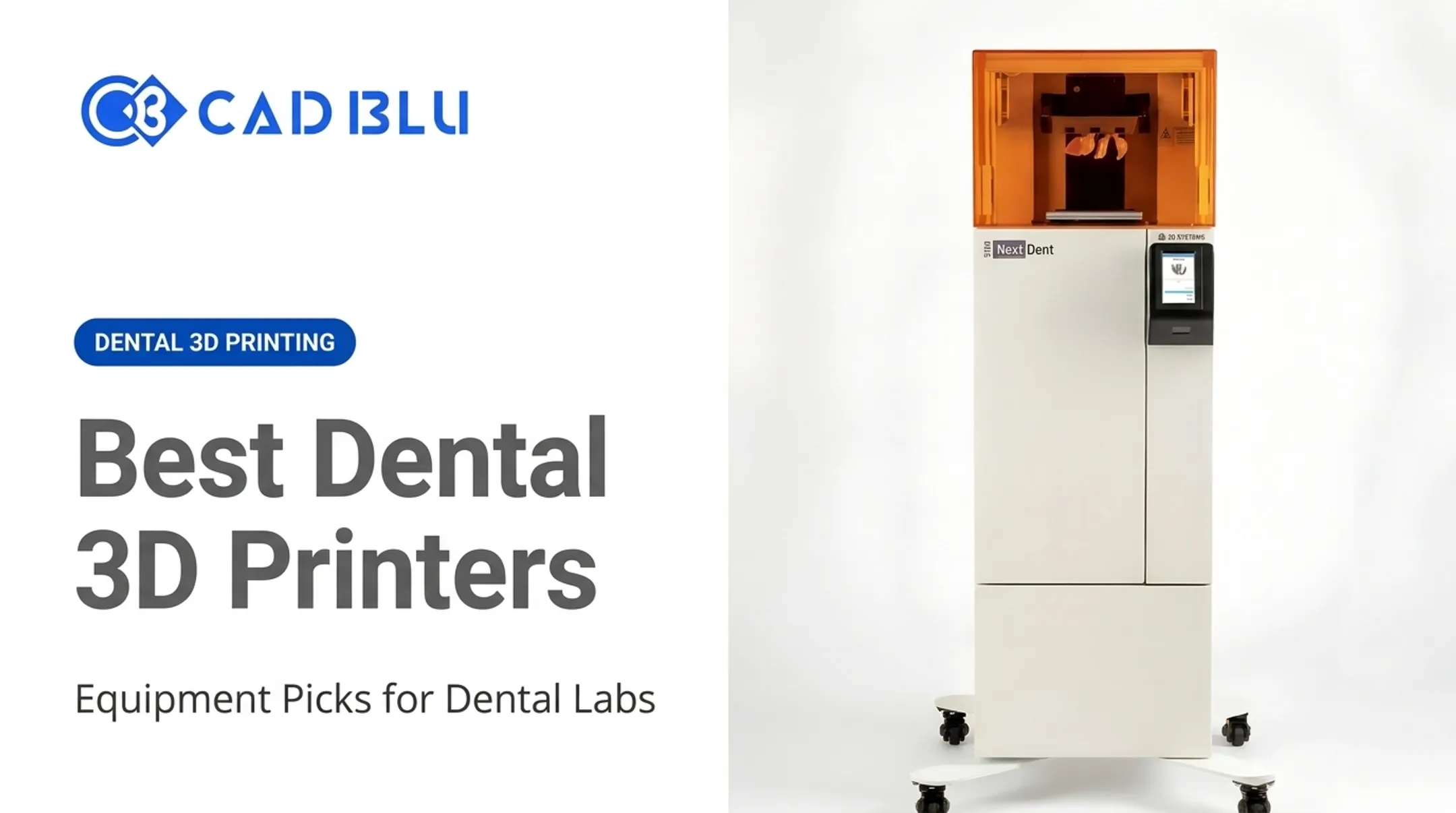
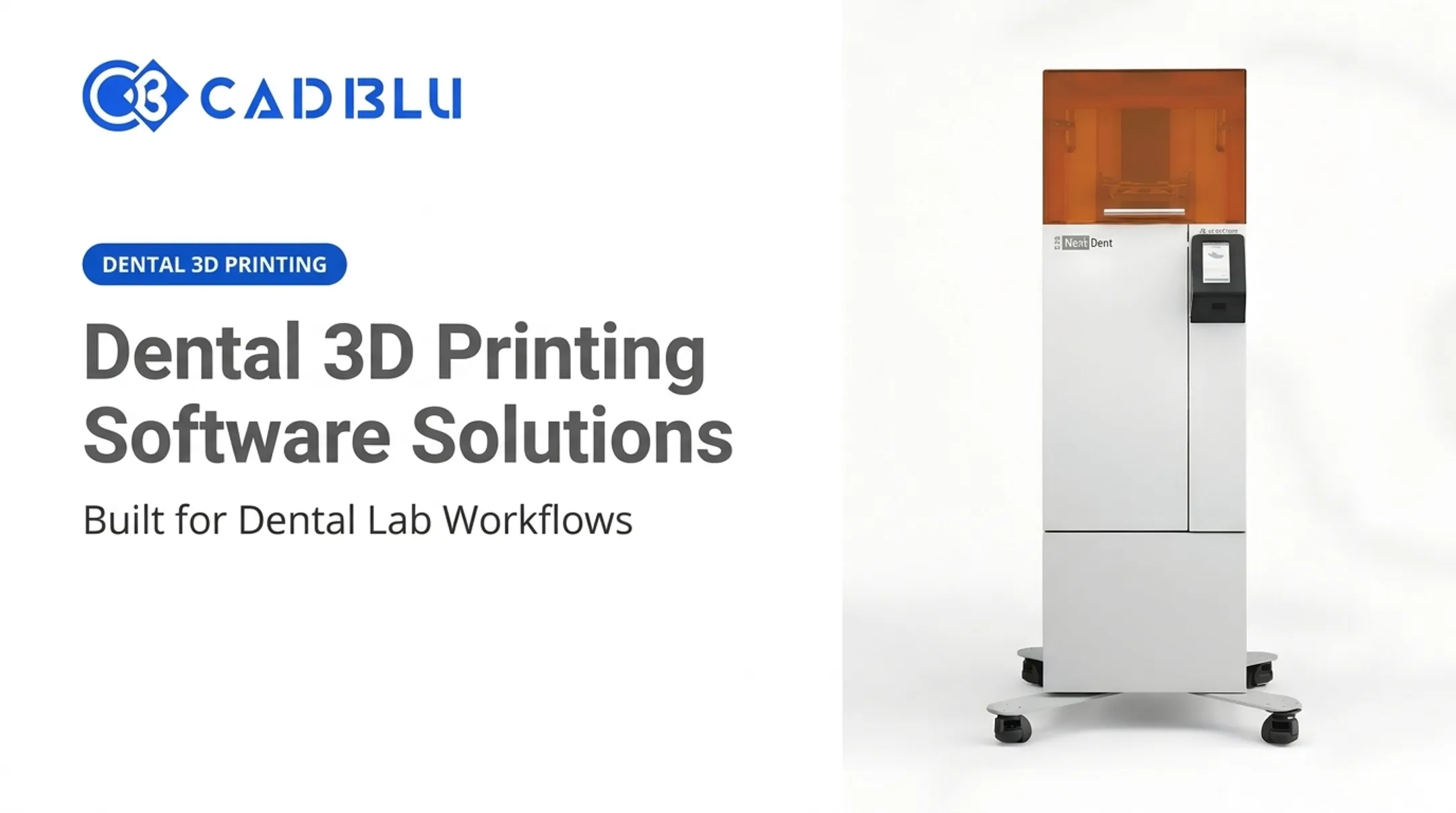
The NextDent 300 MultiJet 3D printer, made by 3D Systems, was built specifically for high-volume denture production. This professional MJP system prints patient-specific, monolithic dentures for dental laboratories at production scale.
This article breaks down the technology, materials, workflow, specifications, and benefits of the NextDent 300, along with what buyers should evaluate before investing in one.
Key Takeaways
- The NextDent 300 is a professional dental MultiJet printer, not a hobbyist or general-purpose machine
- It combines tooth and denture-base materials into a single monolithic output, eliminating manual assembly
- Labs often cut post-curing time and gain more repeatable results with a standardized workflow
- Buyers should evaluate the full solution: materials, software, training, and service — not just hardware specs
What Is the NextDent 300 MultiJet 3D Printer?
3D Systems manufactures the NextDent 300 as part of a broader offering it calls the NextDent Jetted Denture Solution. The printer itself is only one piece of that puzzle. The full solution bundles the hardware with 3D Sprint software and NextDent's Jet Base and Jet Teeth materials to produce a complete denture workflow.
MultiJet Printing, Explained Simply
MultiJet Printing (MJP) jets multiple materials during a single print job. For the NextDent 300, that means one material forms the denture base and another forms the artificial teeth, both deposited layer by layer at the same time in the same build.
That's the key difference from conventional resin printing, where labs typically print the base and teeth separately and then bond them together by hand. The NextDent 300 skips that step entirely, producing a monolithic denture: one piece, no seams, no manual bonding.

Who This Printer Is Actually For
This isn't equipment for a solo clinician printing the occasional night guard. The NextDent 300 is built for:
- Dental laboratories with recurring, batch-level denture demand
- Labs already running digital scanning and CAD design workflows
- Production environments that need repeatable, multi-unit output
Labs weighing a purchase should also understand the regulatory picture. FDA clearance (K241071) applies to the NextDent Jet Denture Base and NextDent Jet Denture Teeth materials as Class II devices submitted by Vertex-Dental B.V., not to the printer as a standalone device.
The FDA clearance documentation specifies these materials must be used with 3D Systems printers supporting MultiJet Printing. Confirm current indications directly with 3D Systems before basing purchase decisions on regulatory claims.
Technical Specifications, Materials, and Software
Core specifications from current 3D Systems documentation:
| Specification | Detail |
|---|---|
| Denture printable area | 294 x 211 x 50 mm (11.6 x 8.3 x 2.0 in) |
| Maximum build volume | 294 x 211 x 144 mm (11.6 x 8.3 x 5.6 in), geometry-dependent |
| Resolution | 800 x 900 x 800 DPI, 32 µm layers |
| Machine dimensions | 1183 x 740 x 1077 mm (47 x 29 x 42 in) |
| Weight | 247 kg (546 lbs) |
| Power | 100-127 VAC/15A or 200-240 VAC/10A, single-phase |
| Estimated noise | Below 65 dBA at medium fan setting |
Software: 3D Sprint
Once a denture is designed in CAD software, the file moves into 3D Sprint, 3D Systems' proprietary preparation tool. Inside 3D Sprint, technicians select the printer profile, choose a teeth shade, and let the software auto-position the build and generate supports. It also estimates print time and tracks material usage during the run.
3D Sprint prepares and manages the print job only. Labs still need compatible intraoral scanning and denture design tools upstream before a file reaches the printer.
Materials: Build and Support
The NextDent 300 uses three build materials plus a support material:
- NextDent Jet Teeth White and NextDent Jet Teeth Yellow — mixed digitally on demand for custom shade matching
- NextDent Jet Base LT — the denture-base material
- VisiJet M2 SUP — a wax-based support material removed during post-processing
3D Systems describes Jet Base as highly fracture-resistant and Jet Teeth as formulated to mimic natural tooth rigidity and aesthetics. Treat those as manufacturer claims: request current technical data sheets when you evaluate durability.
Facility and finishing requirements:
- Dedicated circuit and Ethernet connection
- Clearance around the unit for airflow and service access
- Oven, freezer or hotplate, ultrasonic cleaner, wet bead blaster, and polishing lathe for post-processing
None of the finishing equipment comes bundled with the printer.
How the NextDent 300 Denture Workflow Works
The denture journey starts with a scan or digitized model, moves through CAD design, and ends in 3D Sprint before printing even begins. Here's the sequence:
- Design the denture in CAD software using scan data or a digitized physical model
- Import files into 3D Sprint, select a teeth shade, and let the software auto-orient the build
- Load materials — the printer holds two cartridges of each material for mid-build replenishment
- Print the batch — a full build of 15 arches takes roughly 9 hours
- Remove the build from the platform using a hotplate or freezer
- Finish the parts — melt wax supports in the oven, then ultrasonic clean, bead blast, and polish

The Post-Curing Claim, and What It Doesn't Cover
3D Systems states dentures come out of the printer fully cured and safe to handle immediately, with no additional post-curing step required — unlike workflows that still need UV post-cure cycles.
That does not mean the part is ready to ship. Cleaning, wax removal, bead blasting, and polishing are still required. 3D Systems' own documentation lists roughly 20 minutes of hands-on labor and about 12 hours total production time per batch, from file prep to finished part.
A Real Production Example
GPS Dental, a customer referenced in a 3D Systems case study, reported averaging 15 dentures per run with zero delamination. Treat that as one named customer's reported experience, not a controlled independent study, when you compare it to your own lab.
Compared with conventional denture fabrication or printing base and teeth as separate parts, the biggest structural difference is assembly. Traditional and two-part workflows both require bonding teeth to a base by hand.
The monolithic approach removes that labor entirely. Finishing steps remain similar across all three methods.
Benefits for Dental Laboratories
Dental labs evaluating the NextDent 300 typically see gains in labor efficiency, prosthesis quality, and scalable output.
Labor and scheduling. Removing manual assembly and post-curing frees up technician time. 3D Systems reports more than 50% less manual labor during beta testing compared to traditional production (manufacturer-reported under beta conditions, not a guaranteed result for every lab).
Fit, aesthetics, and durability. A single-piece denture removes the seam where teeth meet the base, a common point of separation or breakage in bonded prosthetics. 3D Systems markets Jet Base's fracture resistance as best-in-class among denture-base materials. That claim is promotional, not a published third-party test result.
Scalability. Batch printing, auto-replenishing cartridges, and repeatable digital files support labs looking to grow volume without proportionally growing headcount. Reported comparisons include:
- 300% faster than analog workflows for a 15-denture batch (beta result)
- 120% faster than two-part resin printing for the same batch size (beta result)
- One-day turnaround versus a typical five-day analog cycle (manufacturer claim)
These figures come from 3D Systems' own beta testing rather than independently audited studies, so labs should treat them as directional rather than guaranteed.
Who Should Consider the NextDent 300—and What Should Buyers Evaluate?
Best-Fit Labs
The NextDent 300 tends to make the most sense for labs that:
- Handle recurring, multi-unit denture cases rather than occasional one-offs
- Already run digital scanning and CAD design workflows
- Have space and staff for the required finishing equipment
- Need consistent output across large batches, not just single units
When It May Not Be the Right Fit
- Very low case volume, where the equipment cost is hard to justify
- Limited digital dentistry experience or no established CAD workflow
- Insufficient space for the printer's footprint and finishing station
- No plan to support ongoing materials, software licensing, or training
Buyer Checklist
Before signing off on a purchase, walk through:
- Printer and material pricing (NextDent 300 listed around $72,000; purchase or lease)
- Software licensing for 3D Sprint and upstream CAD/design tools
- Installation, training, and onboarding time
- Ongoing consumables cost per denture
- Finishing equipment (oven, ultrasonic cleaner, bead blaster, polishing lathe)
- Service response times and warranty terms
- Regulatory documentation for materials used

Return on investment depends far more on actual case volume, labor costs, rework rates, and material usage than on advertised print speed. A lab running five dentures a week won't see the same payoff as one running fifty.
Industry-wide, the appetite for this kind of investment is growing. The NADL's 2024 Dental Technology Survey found that 32% of labs not yet using 3D printers planned to buy or lease one within three years, up from 29% the year before. Digital denture production is moving from niche experiment to standard practice.
CAD BLU can review availability, pricing, and installation planning, and check whether your current CAD and scanning setup matches the required workflow. Request a quote or workflow consultation before you commit.
Frequently Asked Questions
How much do 3D-printed dentures made with NextDent 300 cost?
Finished denture cost depends on lab pricing, case complexity, materials, labor, finishing time, and how the lab amortizes equipment. Ask your lab or supplier for a current quote rather than relying on published averages.
How long do 3D-printed dentures made with NextDent 300 last?
Service life depends on fit, occlusion, patient habits, and hygiene, not just the material itself. Manufacturer durability testing on materials like NextDent Jet Base LT is not a guaranteed lifespan for a finished denture.
Can you eat with 3D-printed dentures made with NextDent 300?
Yes. When properly designed, fabricated, and fitted, these dentures function as standard removable prosthetics. Comfort and food tolerance still depend on adaptation time, fit, and clinician follow-up.
Are 3D-printed dentures made with NextDent 300 worth it?
For labs with steady case volume, reduced assembly and faster turnaround can offset the equipment and training investment. For low-volume practices, ROI depends on your actual throughput.
What is the NextDent 300 MultiJet 3D printer?
It's a professional, multi-material dental 3D printer from 3D Systems designed for jetted denture production, printing tooth and base materials together as one monolithic piece.
What materials does the NextDent 300 use?
It uses NextDent Jet Teeth (White and Yellow) for artificial teeth, NextDent Jet Base LT for the denture base, and VisiJet M2 SUP as a removable wax support material.