Introduction
Can 3D printers handle mass production? The honest answer: sometimes, and it depends entirely on what you're making.
Additive manufacturing has moved well past prototyping. Today's industrial systems produce end-use parts, tooling, and customized products at real volume. But they don't replace every conventional process. Injection molding still wins for millions of identical simple parts.
The right decision comes down to a handful of variables:
- Production volume
- Part complexity and customization level
- Material requirements and quality standards
- Lead time and total cost per finished part
Miss these, and you either overspend on equipment you don't need or ship parts that miss spec.
This guide covers production-grade printing technologies, their real limitations, how to select equipment, the economics behind ownership versus outsourcing, and the steps required to build a workflow that holds up under actual production demands.
Key Takeaways
- 3D printing excels at customized parts, complex geometries, short-to-medium runs, bridge production, and spare parts
- Real throughput depends on your entire workflow, not just the printer's rated speed
- Compare total cost of ownership against injection molding, CNC, and casting before buying equipment
- Evaluate any production printer for repeatability, materials, automation, and vendor support
Is 3D Printing Good for Mass Production?
"Mass production" is not one fixed number. Ranges shift by part, industry, and who is quoting them. Common planning labels include:
- High-volume production: Formlabs treats this as more than 10,000 parts (Formlabs low-volume manufacturing guide)
- Low-volume manufacturing: Often framed as roughly 10 to tens of thousands of units
- Batch production: A fixed-quantity run
- Bridge production: Additive parts that cover demand while conventional tooling is built
Use these as planning frameworks, not rigid industry standards.
Where Additive Manufacturing Wins
3D printing has a genuine production advantage when parts involve:
- Frequent design iterations that would make tooling changes expensive
- High customization (patient-specific devices, jewelry, dental models)
- Complex internal channels or lattice structures impossible to mold
- Low or zero tooling requirements
- Multiple components that could be consolidated into one printed piece
CAD BLU's PROJET MJP 2500IC is one example built for low-to-mid-volume and bridge work. Its tool-less RealWax MultiJet process can produce hundreds of small-to-medium casting patterns without the cost or lead time of traditional injection tooling—useful for jewelry and investment casting runs that still need design flexibility.
Where It Falls Short
Be honest about the limits:
- Speed at scale: molding still beats 3D printing for identical parts in huge quantities
- Material and finish limits: not every polymer or metal alloy is print-ready
- Dimensional variation: post-processing and calibration matter more than most teams expect
- Machine downtime: unplanned maintenance cuts into throughput quickly
- Validation overhead: each new part-material-parameter mix needs qualification
The Crossover Point: When Does Molding Win?
Formlabs ran a December 2024 comparison that found the break-even point between in-house 3D printing and outsourced injection molding at 13,050 parts for a specific model. At 1,000 parts, in-house printing cost $600 versus $3,920 for outsourced molding. With bulk resin discounts, that crossover point pushed above 40,000 parts.
Fictiv's 2021 comparison found urethane casting stays economical up to roughly 300 parts, with injection molding taking over around 500 in their modeled example.
| Process | Setup Cost | Best Volume Range | Tooling Needed | Design Flexibility |
|---|---|---|---|---|
| 3D Printing | Low | 1–1,000+ (varies) | None | High |
| Urethane Casting | Low-Medium | Up to ~300 | Minimal | Medium |
| Injection Molding | High | 500–13,000+ | Yes | Low |
| CNC Machining | Low-Medium | 1–100 | None | Medium-High |
These figures are provider-specific examples, not universal thresholds—geometry, material cost, and finish requirements will move them. In short, 3D printing is strong for mass-customized, complex, or bridge production; conventional molding usually wins once volumes are high and designs are frozen.

Which 3D Printing Technologies Support Production?
There's no single "best" printer for production. The right technology depends on the part, the material, and how it fits your workflow.
Industrial FDM and FFF
Fused deposition modeling extrudes melted thermoplastic filament layer by layer. It's a strong fit for:
- Functional jigs, fixtures, and tooling
- Large components where build volume matters
- Applications needing engineering-grade or composite materials
Systems like the Roboze ARGO 350 push extrusion temperatures to 500°C and support materials from PEEK to carbon-filled nylon. Heated chambers and autoloading dryers help manage moisture-sensitive filaments.
Anisotropic strength—parts being stronger along one axis than another—still matters for load-bearing applications.
Resin-Based Systems (SLA and Beyond)
Resin printing shines for detail work: investment-casting patterns, dental models, and products needing smooth surfaces or fine features.
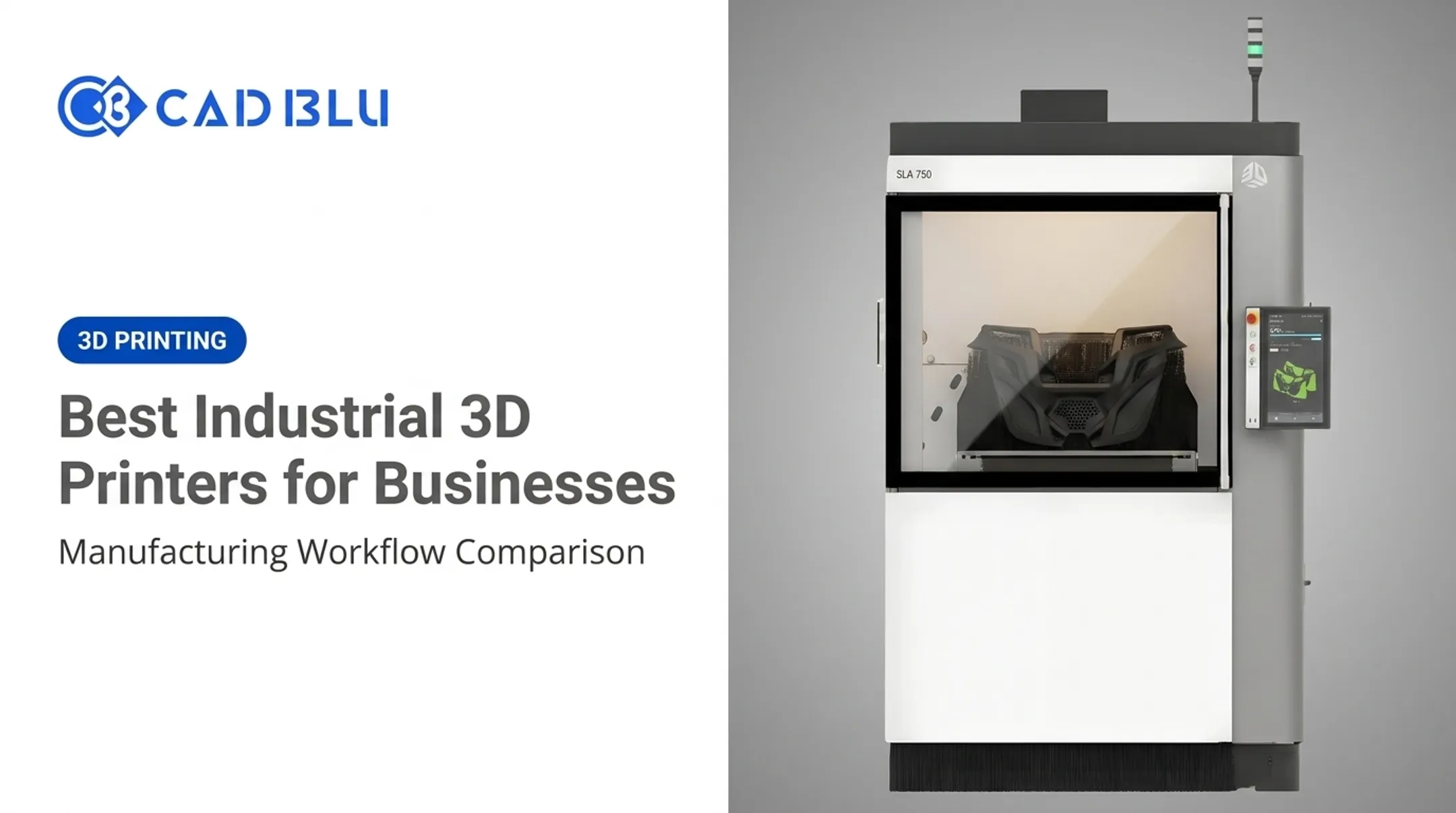
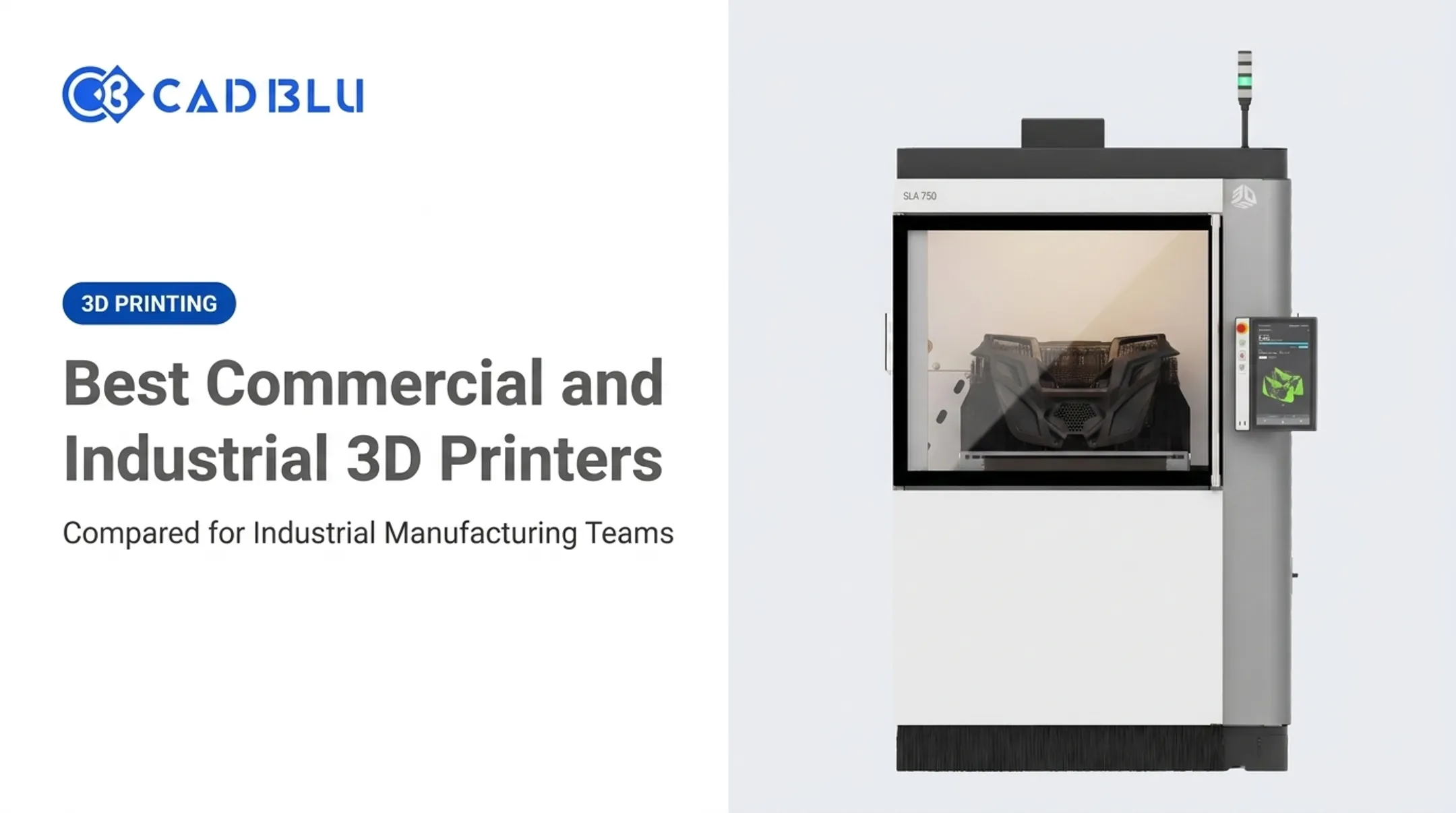
The SLA 750 supports batch-volume production of repeatable, end-use plastic parts with robot-compatible 24/7 lights-out operation. It pairs production-grade photopolymer resins with automated post-processing and factory-floor software integration.
Materials like Accura ClearVue cover USP Class VI medical models and QuickCast investment-casting patterns in one system.
Post-processing isn't optional. These steps all factor into real cycle time:
- Curing
- Washing
- Resin handling
Skip a step and part performance suffers.
Powder-Bed Polymer Systems (SLS, MJF, SAF)
These processes fuse polymer powder without needing separate support structures. The surrounding unfused powder does that job. This enables:
- Dense build layouts with parts stacked at multiple heights
- Durable end-use parts with complex geometries
- Fewer supports to remove during post-processing
HP's Jet Fusion 5200 targets volume production with automated powder handling and build-unit exchange for consecutive builds, reducing manual labor across the workflow.
Plan for these tradeoffs before you commit:
- Powder refresh rates
- Depowdering time
- Material handling infrastructure
Metal Additive Manufacturing
Metal AM deserves its own conversation. You gain design freedom, and you also take on extra process steps: material qualification, support removal, heat treatment, and inspection.
EOS emphasizes lot traceability and validated process parameters across more than 20 qualified alloys. Treat metal printing as a full manufacturing process, not just a printer purchase—the equipment is the easy part.

How to Choose a 3D Printer for Mass Production
Start with the part, not the printer. A clear production brief keeps you from buying speed or build volume you will never use.
Build Your Production Brief First
Document these before you look at a single spec sheet:
- Annual demand and typical batch size
- Part dimensions, tolerances, and required surface finish
- Mechanical loads and operating environment
- Customization level (is every part unique, or mostly identical?)
- Whether the part is a prototype, tooling, spare, or end-use product
Evaluate Real Throughput, Not Rated Speed
Manufacturer-rated speed and actual production output are two different numbers. Factor in:
- Build volume and nesting density (how many parts fit per build)
- Cycle time including cooling and unpacking
- Machine utilization and changeover time between jobs
- Post-processing capacity — this is often the bottleneck, not the printer
- Acceptable failure rate for your application
The ProJet MJP 2500IC, for instance, hits volumetric speeds up to 205 cm³/hour with short cycle times. That figure only matters if your post-processing capacity and changeover routine can keep up.
Match Materials to Part Performance
Match material properties to the job before you lock in a machine:
- Tensile and impact strength
- Heat and chemical resistance
- Flexibility or elastomeric behavior
- Regulatory needs such as biocompatibility
Accura SLA materials, for example, range from standard rigid formulations to high-temperature composites rated above 215°C. Choose the material first; the printer selection follows.
Assess Automation and Facility Fit
Look for automated calibration, build monitoring, error detection, and software integration with your CAD, slicing, or MES systems. Then think about the physical reality:
- Footprint, power, and ventilation requirements
- Temperature and humidity control (most systems need 64–82°F and 30–70% relative humidity)
- Operator training and consumables storage
- Service response time and preventive maintenance plans
This is where many teams underestimate the lift. CAD BLU helps manufacturers evaluate commercial printers, materials, and software fit before purchase, and can deliver turnkey or partial production setups based on how much of the workflow you want in-house.
Production Economics: Costs, Throughput, and ROI
A printer's sticker price tells you almost nothing about your actual cost per part.
Build a Real TCO Model
Total cost of ownership includes:
- Equipment purchase or lease
- Installation and facility changes
- Software and materials
- Labor and energy
- Maintenance, service contracts, and consumables
- Quality control, scrap, and inventory effects
A cheap printer isn't automatically cheaper. An industrial system that costs more upfront can still win on total cost when utilization, yield, and labor per part improve. The drivers that usually decide cost-per-part are:
- Utilization — hours printing vs. hours idle or in setup
- Yield — first-pass good parts vs. scrap and rework
- Labor touch time — nesting, changeover, post-processing, and QC per batch
- Material efficiency — support waste, failed builds, and unused resin or powder
- Service burden — downtime, contract fees, and consumable changeouts
What Equipment Actually Costs
Industrial systems span a wide range. As reference points from CAD BLU's own catalog:
- Entry desktop systems start around $2,750
- Mid-range production systems like the ProJet MJP 300W Plus run about $64,700
- Large-format industrial SLA systems like the SLA 750 list around $360,000
These figures don't include materials, installation, service contracts, or peripherals — always separate printer price from total setup cost when budgeting.
Market-wide, TCT Magazine's 2024 industry report tracked a professional machine class priced between $2,500 and $20,000, alongside a $100,000+ industrial class, noting a 34% price decline in the professional segment during the reporting period.
Those price bands only matter once you know whether volume, lead time, and IP risk justify owning the asset at all.
In-House vs. Outsourcing
Compare these factors before deciding:
| Factor | Favors In-House | Favors Outsourcing |
|---|---|---|
| Volume | Steady, recurring | Occasional, one-off |
| Design changes | Frequent | Rare |
| Lead time need | Urgent | Flexible |
| IP sensitivity | High | Low |
| Part complexity | Standard | Highly specialized |
The Hybrid Approach
Many manufacturers don't choose one process exclusively. A common strategy:
- Use 3D printing for prototypes and design validation
- Print customized or complex components that molding can't produce economically
- Bridge production while injection tooling gets built
- Transition standardized high-volume parts to molding or machining once demand stabilizes

This hybrid model captures 3D printing's flexibility without forcing it to compete where it structurally can't win.
Throughput Levers That Move Cost Per Part
Throughput—not peak machine speed alone—sets real capacity. Focus on:
- Nesting density and batch size per build envelope
- Automation for powder handling, part removal, and post-processing
- Lights-out or multi-shift schedules that raise utilization
- Qualified material/process pairs that cut failed builds
- Parallel cells when one machine becomes the bottleneck
A slower machine that runs reliably across shifts often beats a faster unit that sits idle between jobs.
ROI Reality Check
Build ROI from cost-per-good-part, not purchase price. A practical screen:
- Baseline today’s unit cost, scrap rate, and lead time (in-house or outsourced)
- Model fully loaded cost per good part at realistic utilization—not brochure cycle times
- Set payback against volume you actually expect in 12–24 months
- Stress-test downtime, material price swings, and demand drops before you commit capital
If projected volume is lumpy or design changes are constant, start with a hybrid or outsourced path and revisit ownership when utilization stays high enough to clear your payback target.
Applications and Production-Readiness Checklist
Production-grade 3D printing already earns its keep in several industries—each for a practical production reason.
Where It's Working Today
- Dental: ProJet MJP 3600 Dental builds drill guides, crown-and-bridge models, and orthodontic thermoforming models at 0.025 mm accuracy for clinic- and lab-scale mass customization
- Jewelry and investment casting: Tool-less wax and resin patterns replace traditional mold-making, cutting both cost and lead time
- Medical: Patient-specific devices and surgical guides benefit from printing's ability to handle one-off customization economically
- Industrial manufacturing: Jigs, fixtures, and tooling get produced without tying up CNC machine time
- Automotive: Suppliers still lean on additive for rapid prototyping, while lighter, stronger end-use parts are a growing direct-manufacturing use case
Design for Additive Manufacturing
Getting production-ready parts means designing around the process, not just the geometry:
- Consolidate multiple components into a single printed part where possible
- Orient parts to minimize support structures and maximize strength direction
- Build in appropriate wall thickness for the chosen material
- Account for nesting and build-platform utilization to maximize throughput
- Design around your specific post-processing method from the start
Production-Readiness Checklist
Before scaling from one machine to a production line, confirm:
- Repeatable CAD and slicing files with version control
- Material traceability and lot documentation
- Calibrated, monitored process parameters
- Inspection protocols and documented rework limits
- Safety procedures and operator training programs
- Preventive maintenance schedules and backup capacity
- Multi-system capacity planning, including staffing, queueing, and spare parts

Hardware selection matters, but implementation support often decides whether production runs smoothly. CAD BLU pairs printers with installation, workflow optimization, OEM-trained repair technicians, materials, and software—the operational pieces a spec sheet leaves out.
Frequently Asked Questions
How much does an industrial 3D printer cost?
Prices vary widely by technology, build size, materials, and automation, from roughly $2,750 for entry systems to $360,000+ for large-format industrial units. Compare total cost of ownership and request current supplier pricing rather than relying on one headline figure.
Is 3D printing good for mass production?
It's effective for customized, complex, low-to-medium-volume, bridge, and select high-volume applications. For very large runs of simple identical parts, injection molding or casting is typically more economical.
What is the best 3D printer for production?
There's no universal answer. It depends on part geometry, material, volume, tolerances, and budget. Select your production technology and workflow first, then compare commercial systems that fit those requirements.
Is the 3D printing industry growing?
Yes. The Wohlers Report 2025 found 9.1% global growth to $21.9 billion, though growth varies significantly by region, material, and technology segment. Match any investment to your specific application, not overall market trends alone.